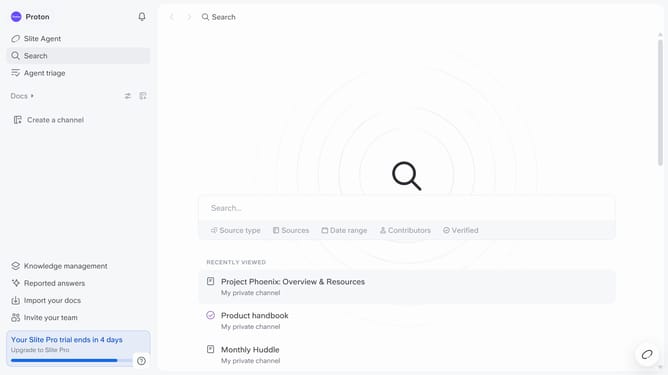
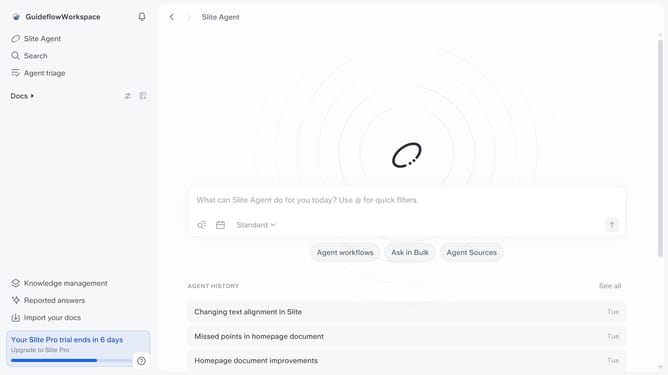
How to set your preferred app color scheme on Slite
Here is how to set your preferred app color scheme on slite
- First click on your profile logo in the header
- Then click on the "Settings" option in the left sidebar
- Next, click on the "App color theme" dropdown
- Finally, select from the dropdown list
Why should you How to set your preferred app color scheme on Slite
Slite, a collaborative workspace tool, helps teams organize and share knowledge seamlessly.
Setting your preferred app color scheme on Slite is a simple yet powerful feature that enhances your user experience.
By customizing the app’s look and feel, you can create a comfortable and visually appealing workspace that boosts productivity and focus.
This personalization not only reflects your style but also makes navigating through your tasks more enjoyable.
Last update