How to unarchive a document template in Slite
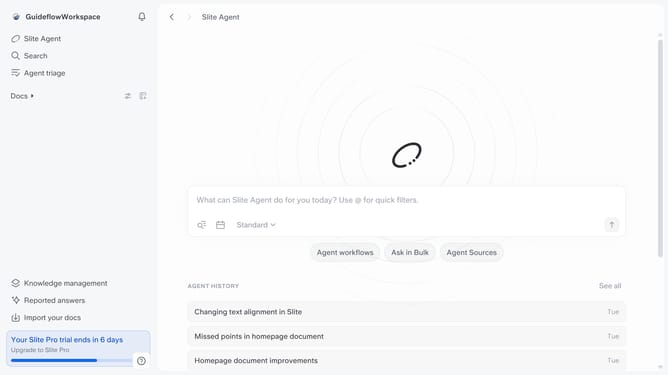
Here is how to unarchive a document template in slite
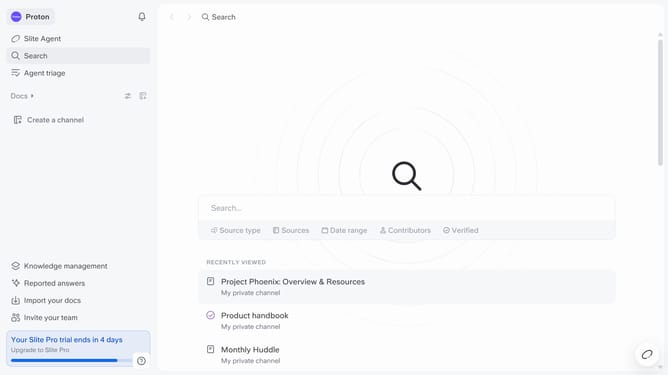
- First click on "Docs" in the left sidebar
- Then click on "Archive" in the left sidebar
- Finally click on the "Restore to channel" button next to the template you want to restore
Why should you How to unarchive a document template in Slite
Slite is a collaborative workspace designed to streamline team communication and document management effortlessly.
The ability to unarchive a document template in Slite ensures that no valuable information is ever truly lost. By accessing archived templates, teams can quickly restore important documents to the forefront of their workflow. This feature aids in maintaining a clean, organized workspace while allowing flexibility to revisit and repurpose previous work.
Leveraging this functionality boosts efficiency, as retrieving an archived template can save time and resources. It’s particularly useful for ongoing projects or seasonal tasks, where past documents may hold significant value. By unarchiving, teams can seamlessly integrate past successes into their current projects.