How to add an embedded link in a document in Slite
Here is how to add an embedded link in a document in slite
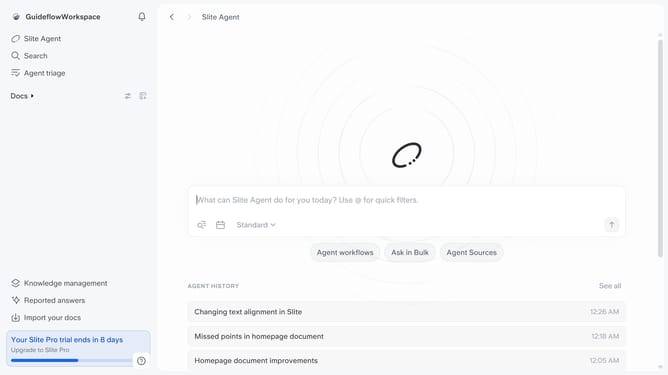
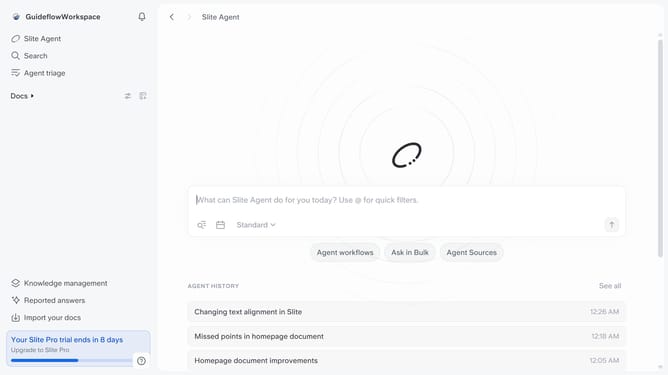
- First click on "Docs" item in the left sidebar
- Then open the Slite doc you want to edit
- Then click where you want to add the content and type "/" to open the formatting menu
- Then click on "Embed" in the opened menu
- Then click on the input field and enter your link
- Finally click on the "Embed" button
Why should you How to add an embedded link in a document in Slite
Slite is a collaborative tool designed to simplify team communication and document management.
Adding an embedded link in a Slite document enhances your content by creating direct pathways to resources, articles, or other documents. This feature enables seamless navigation, allowing your team to access important information with a simple click.
Using embedded links streamlines workflow and improves productivity. It helps maintain context within documents, reducing the need to search separately for related information. This integration fosters a more connected and efficient work environment.
Last update