How to copy document link in Slite
Here is how to copy document link in slite
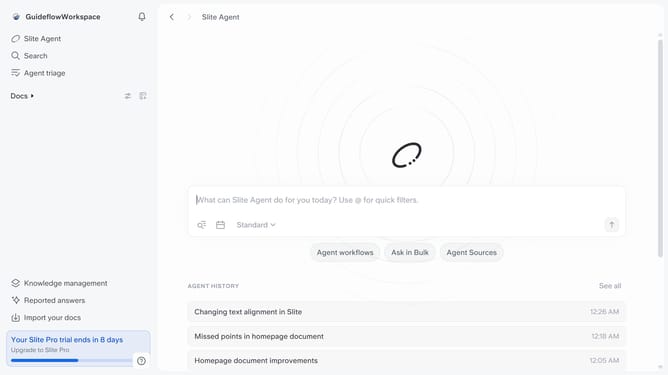
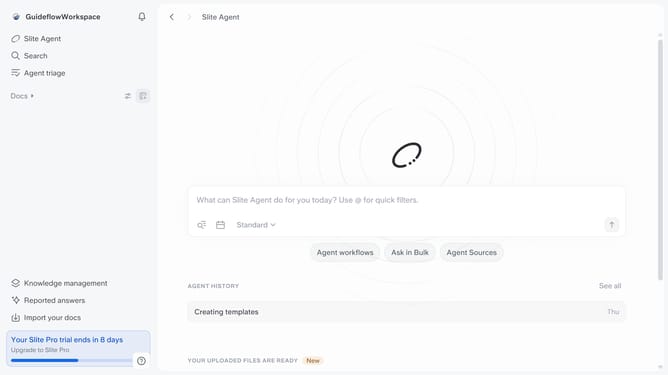
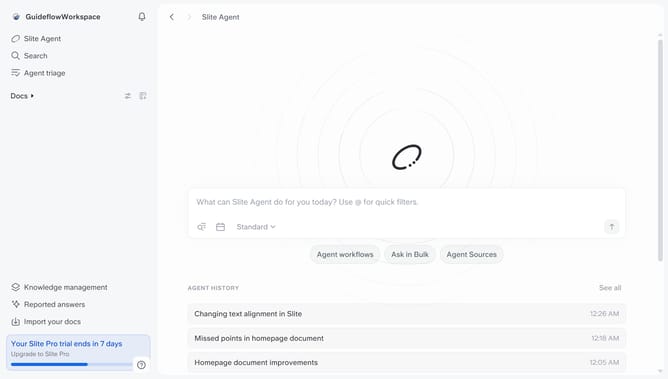
- First click on "Docs" item in the left sidebar
- Then open the Slite document you want to edit
- Then click on the three dots icon in the top right corner of the page
- Finally click on "Copy doc id" from the dropdown menu
Why should you How to copy document link in Slite
Slite is a collaborative tool designed to help teams organize their knowledge seamlessly.
One of its standout features is the ability to easily copy document links. This feature allows users to quickly share precise content with team members, enhancing communication and collaboration.
By copying a document link in Slite, team members ensure that everyone has direct access to the relevant information, reducing confusion and streamlining workflow. This functionality boosts productivity, allowing ideas and updates to flow effortlessly within the team.
With Slite's intuitive link-sharing capability, keeping your team aligned has never been easier.
Last update