How to duplicate a document in Slite
Here is how to duplicate a document in slite
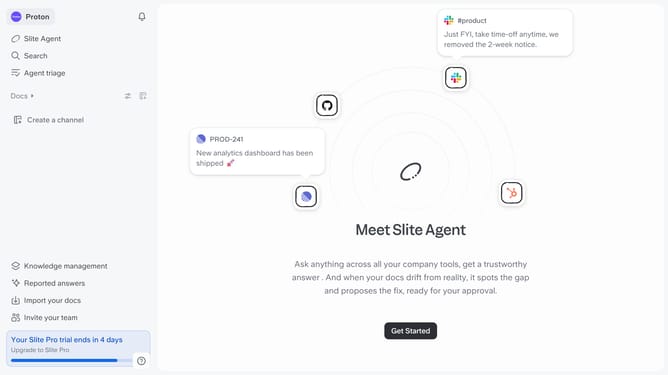
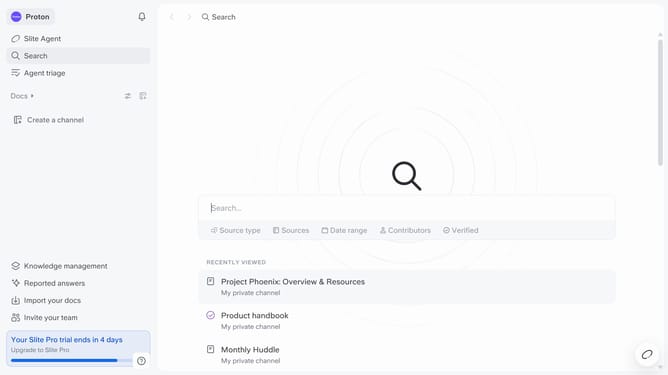
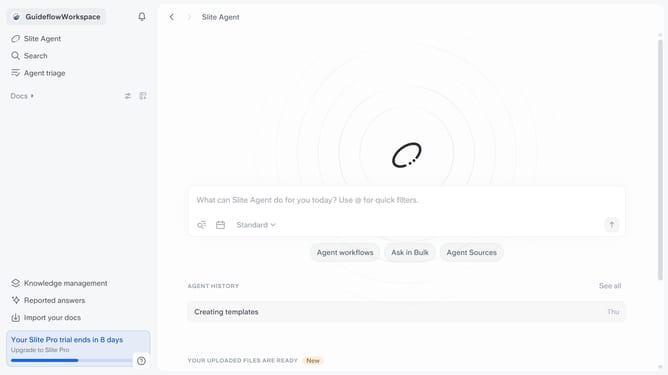
- First click on "Docs" in the left sidebar
- Then click on the three dots next to the document title that you want to duplicate
- Finally select "Duplicate" from the dropdown menu that appears
Why should you How to duplicate a document in Slite
Slite is an intuitive platform designed for seamless team collaboration and knowledge sharing.
The ability to duplicate a document in Slite offers users an efficient way to manage and repurpose valuable content. This feature ensures that important information can be easily reused, adapted, and shared without the risk of altering the original document.
Using the duplicate feature, teams can quickly iterate on existing ideas, streamline processes, and maintain consistency across projects. This not only saves time but also enhances productivity by providing a reliable foundation for new initiatives.
Last update