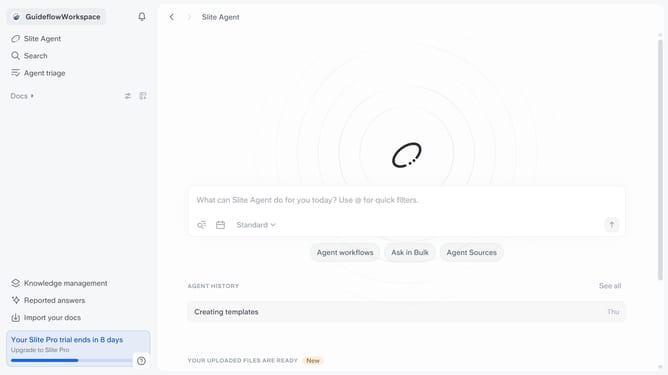
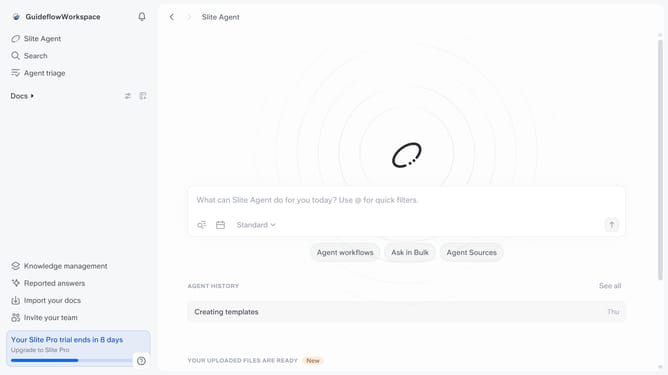
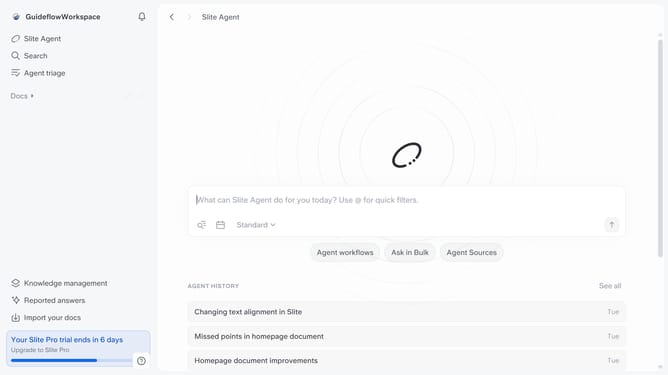
How to enable knowledge management insights notification in Slite
Here is how to enable knowledge management insights notification in slite
- First click on your profile logo in the header
- Then click on the "Settings" option in the left sidebar
- Finally, toggle ON the switch on the "Knowledge management insights" notification setting
Why should you How to enable knowledge management insights notification in Slite
Slite is a collaborative workspace designed to streamline team communication and knowledge sharing effortlessly.
Enabling knowledge management insights notifications in Slite is an excellent way to enhance productivity and keep your team informed. These notifications allow team members to stay updated with the latest content additions, ensuring everyone remains aligned with project objectives.
With insights notifications, teams can effortlessly track important updates, fostering a more cohesive work environment. This feature helps in managing knowledge flow, encouraging collaboration, and promoting proactive learning within the organization.
Last update