How to rename table column header in a document in Slite
Here is how to rename table column header in a document in slite
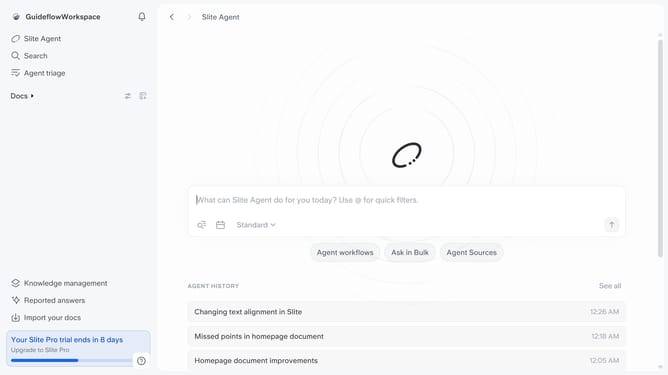
- First click on "Docs" item in the left sidebar
- Then open the Slite document you want to edit
- Finally click on the column header and edit it
Why should you How to rename table column header in a document in Slite
Slite is a collaborative workspace that streamlines team documentation and communication.
Renaming a table column header in Slite enhances the clarity and precision of your documents. This feature allows users to tailor content to their audience, ensuring that information is readily accessible and understandable.
By customizing headers, teams can maintain consistency across documents, making it easier to navigate and retain key data. This efficient organization supports better collaboration and decision-making, fostering a productive working environment.
Last update