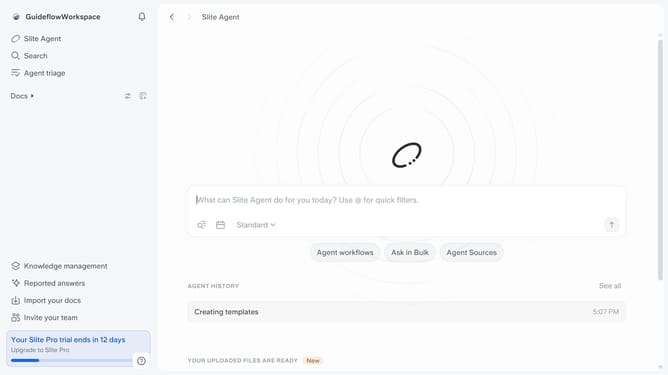
How to set default time zone in Slite
Here is how to set default time zone in slite
- First click on your profile logo in the header
- Then click on the "Settings" option in the left sidebar
- Next, click on the dropdown in the "Time zone" section
- Finally select from the timezone list
Why should you How to set default time zone in Slite
Slite is a modern workspace tool designed for seamless team collaboration and efficient knowledge sharing.
Setting a default time zone in Slite enhances team coordination, ensuring that all members are aligned with the correct schedules. This feature simplifies meeting planning and project deadlines, creating a unified timeline for everyone involved. By eliminating confusion over time differences, teams can focus more on their work and less on logistical hassles.
Utilizing this feature promotes smoother communication and prevents scheduling conflicts, making cross-time zone collaboration a breeze. Slite's intuitive setup makes it easy for teams to stay on the same page, boosting productivity and fostering a harmonious work environment.
Last update