How to delete a table in a document in Slite
Here is how to delete a table in a document in slite
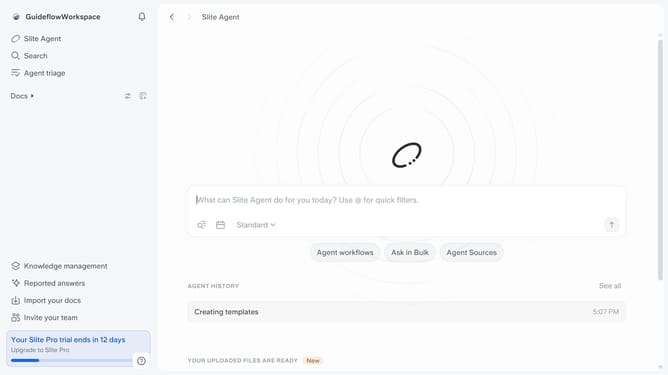
- First click on "Docs" item in the left sidebar
- Then open the Slite document you want to edit
- Then click on the four squares icon at the upper side of the table
- Finally, select "Delete" from the opened context menu
Why should you How to delete a table in a document in Slite
Slite is a collaborative documentation tool that empowers teams to organize knowledge effortlessly.
Deleting a table in a Slite document is straightforward, allowing users to maintain clarity and organization effortlessly. With just a few clicks, you can remove unnecessary tables, decluttering your workspace and ensuring that only relevant information is highlighted.
This feature streamlines content management, making it easy to update your documents and collaborate effectively with your team. By ensuring your documents are tidy, you enhance readability and boost productivity across your projects.
Last update