How to add an Asana project in a document in Slite
Here is how to add an asana project in a document in slite
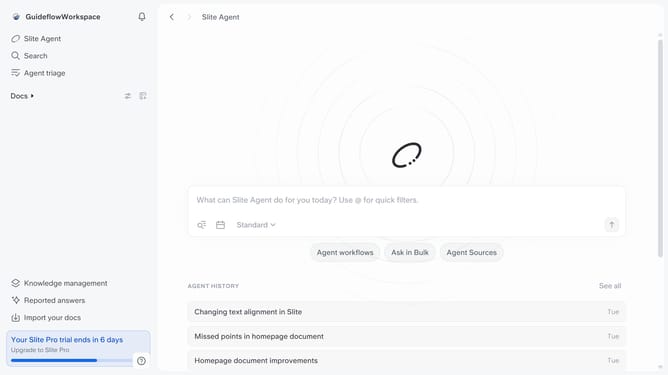
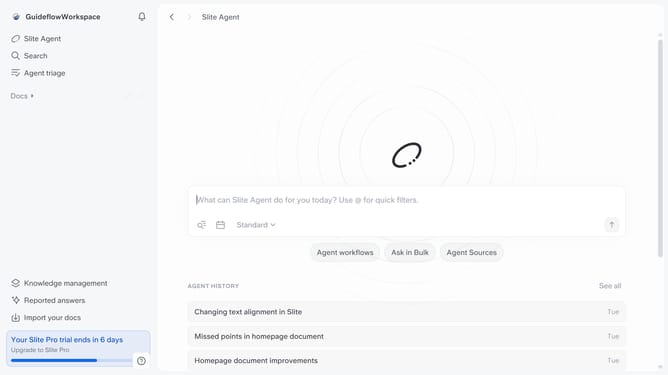
- First click on "Docs" item in the left sidebar
- Then open the Slite doc you want to edit
- Then click where you want to add the component and type "/" to open the formatting menu
- Then select "Link card" from the dropdown menu
- Click on the "Embed" button within the newly created link card and enter URL
- Finally, click on the "Embed" button to apply changes
Why should you How to add an Asana project in a document in Slite
Slite is a collaborative workspace designed to help teams organize and share their knowledge seamlessly.
Integrating an Asana project into a document in Slite streamlines your workflow by bringing task management directly into your collaborative notes.
With this feature, teams can effortlessly track project progress while simultaneously brainstorming and strategizing within Slite. This integration enhances productivity by keeping all essential project details and discussions in one accessible location.
Ultimately, it simplifies collaboration, reduces the need to switch between apps, and ensures everyone stays aligned and informed.
Last update