How to archive a document in Slite
Here is how to archive a document in slite
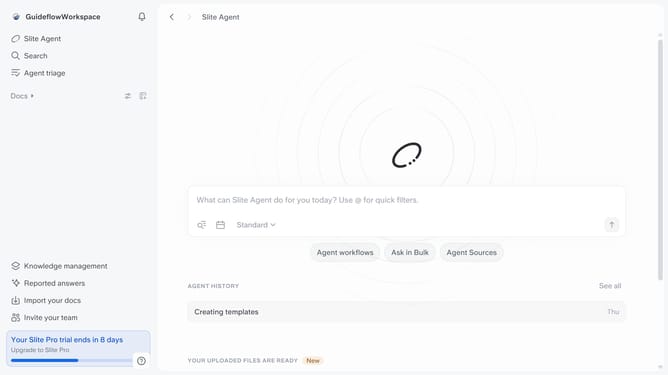
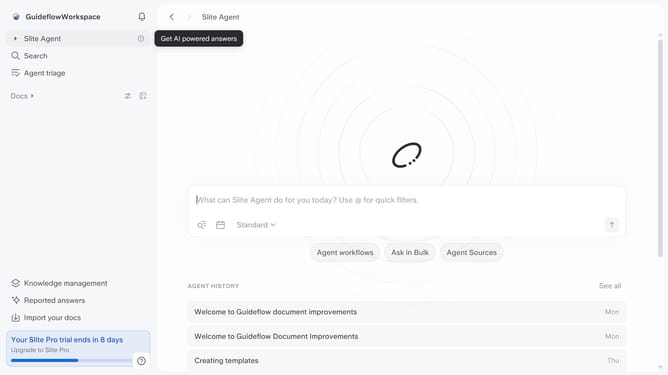
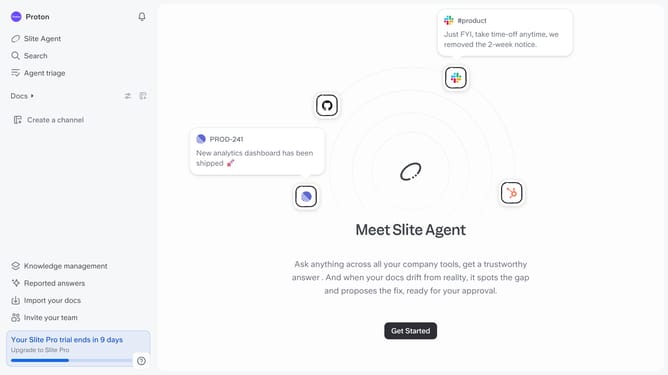
- First click on "Docs" in the left sidebar
- Then click on the "three dots" icon next to the document title
- Finally click on "Archive" from the dropdown menu in the left sidebar
Why should you How to archive a document in Slite
Slite is a collaborative workspace tool designed for seamless team knowledge management and communication.
Archiving a document in Slite allows you to keep your workspace organized and clutter-free. By moving documents to the archive, you ensure that only relevant and up-to-date information is at your team's fingertips.
Using this feature can improve productivity as it helps team members focus on current tasks, while still keeping important but less-used information accessible for future reference. This streamlines the workflow, enhances efficiency, and aids in maintaining a clean, structured work environment.
Last update