How to disable notification for announcements and product updates on Slite
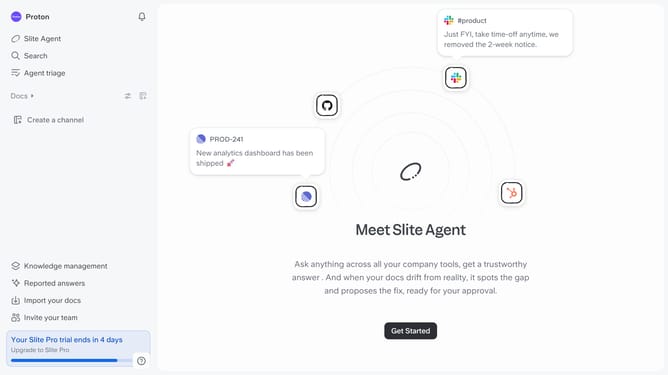
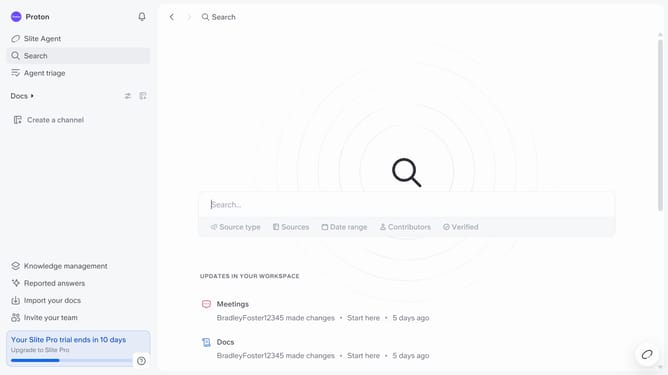
Here is how to disable notification for announcements and product updates on slite
- First click on your profile logo in the header
- Then click on the "Settings" option in the left sidebar
- Finally, toggle OFF the switch on the "Announcements and product updates" notification setting
Why should you How to disable notification for announcements and product updates on Slite
Slite is your go-to collaboration hub for seamless team communication and project management.
Staying focused is crucial in today's fast-paced work environment. Disabling notifications for announcements and product updates on Slite helps you maintain your concentration by reducing unnecessary distractions.
With fewer interruptions, you can dedicate more time to your projects and tasks, enhancing productivity. It allows you to engage with work on your terms, ensuring that your focus remains undisturbed by updates that may not be immediately relevant to your daily workflow.
Last update