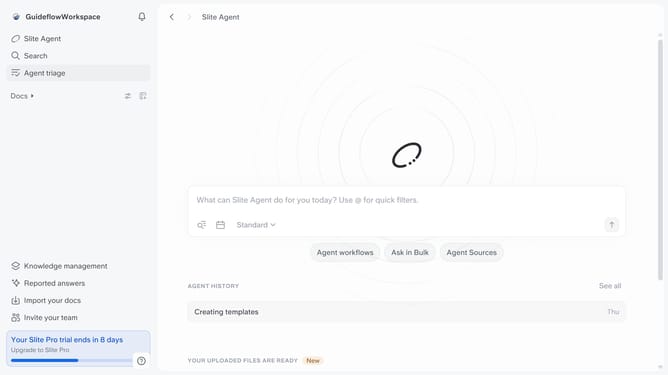
How to make editor wider in document in Slite
Here is how to make editor wider in document in slite
- First click on the "Docs" item in the left sidebar
- Then open the Slite document you want to edit
- Then click on the three dots icon in the top right corner of the header
- Then select the "Edit layout" option from the dropdown menu
- Finally click on the toggle button next to "Make editor wider" to enable it
Why should you How to make editor wider in document in Slite
Slite is a collaborative documentation tool designed to streamline team communication and knowledge sharing.
The ability to make the editor wider in a Slite document enhances your focus by providing a more expansive workspace. This feature allows you to view more content at once, reducing the need for constant scrolling and enabling greater immersion in your work.
Using a wider editor not only boosts productivity but also allows for a clearer view of your document's layout. It’s particularly beneficial for teams frequently dealing with complex documents, fostering improved clarity and efficiency.
Last update