How to download as CSV a table in a document in Slite
Here is how to download as csv a table in a document in slite
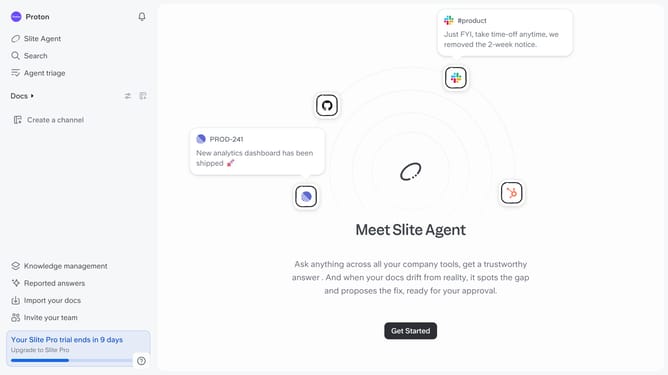
- First click on "Docs" item in the left sidebar
- Then open the Slite document you want to edit
- Then click on the four squares icon at the upper side of the table
- Finally click on "Download as CSV" from the dropdown menu
Why should you How to download as CSV a table in a document in Slite
Slite is a collaborative workspace designed to streamline team communication and organization.
One notable feature of Slite is the ability to download tables as CSV files. This functionality is perfect for users who need to analyze or share data outside the platform effortlessly.
By exporting tables as CSV, teams can quickly transition their data to spreadsheets, facilitating easier data manipulation and comprehensive reporting. It ensures smooth collaboration and boosts productivity by simplifying data sharing across various tools.
Last update