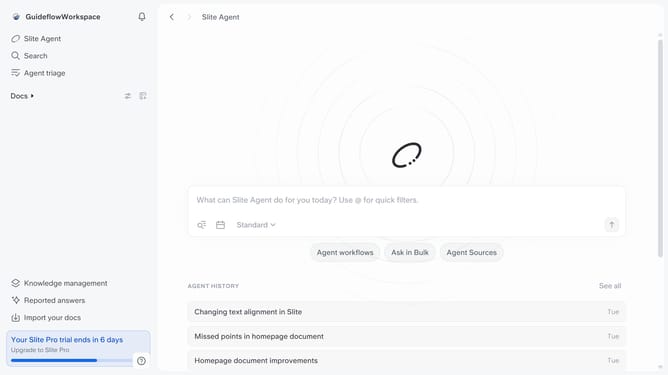
How to add a latex formula in a document in Slite
Here is how to add a latex formula in a document in slite
- First click on "Docs" item in the left sidebar
- Then open the Slite doc you want to edit
- Then click where you want to add the the latex formula and type "/" to open the formatting menu
- Finally, select "LaTeX formula" from the dropdown menu
Why should you How to add a latex formula in a document in Slite
Slite is a powerful collaboration tool designed for teams to seamlessly share and organize knowledge.
Integrating a LaTeX formula in a Slite document enhances the precision and clarity of complex mathematical or scientific content. This feature empowers users to present intricate equations beautifully and accurately within their shared notes.
Using LaTeX in Slite ensures that technical information is communicated with exactness, fostering better understanding among team members. It benefits educators, engineers, and researchers by allowing them to illustrate sophisticated concepts effectively.
Last update