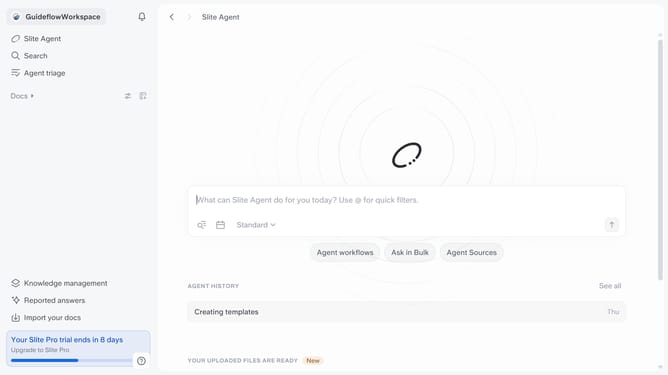
How to disable knowledge management insights notification in Slite
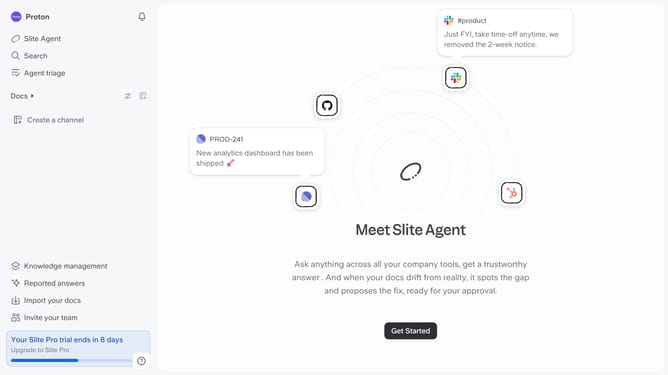
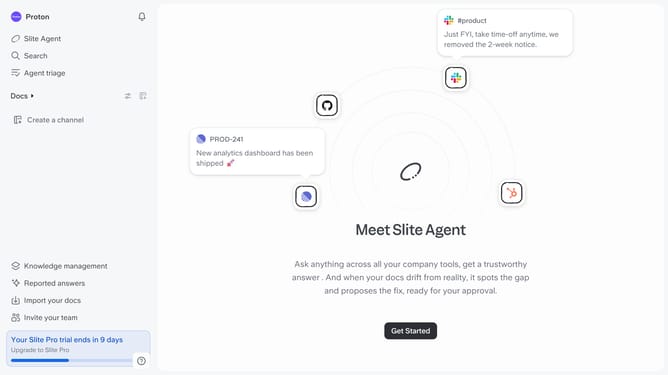
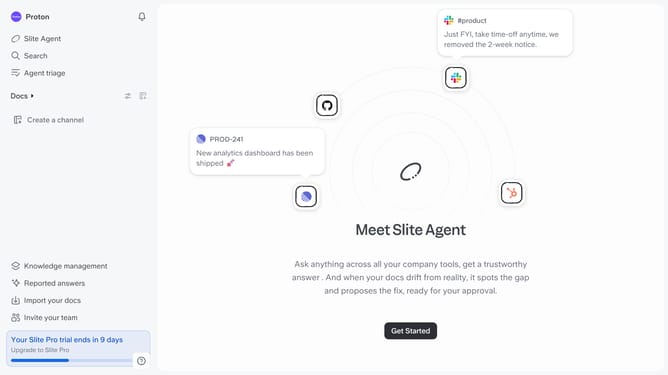
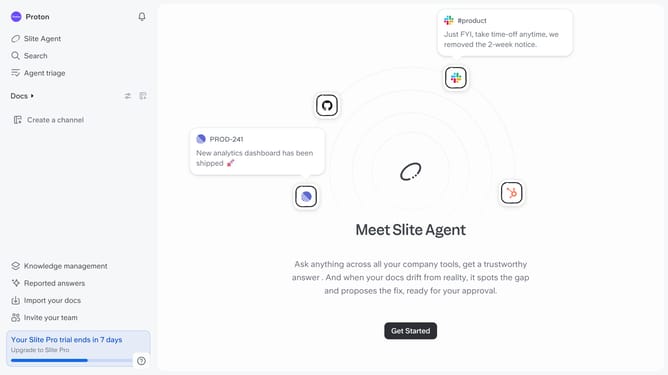
Here is how to disable knowledge management insights notification in slite
- First click on your profile logo in the header
- Then click on the "Settings" option in the left sidebar
- Finally, toggle OFF the switch on the "Knowledge management insights" notification setting
Why should you How to disable knowledge management insights notification in Slite
Slite is a collaborative workspace designed to streamline team communication and knowledge management.
Disabling knowledge management insights notifications in Slite allows you to maintain focus on your primary tasks without distractions. By customizing your notification settings, you ensure that your workflow is uninterrupted, leading to enhanced productivity.
Using this feature means you only receive crucial updates, allowing for a more organized and controlled information flow within your team. It's a simple way to create a more personalized and efficient experience in your daily operations.
Last update