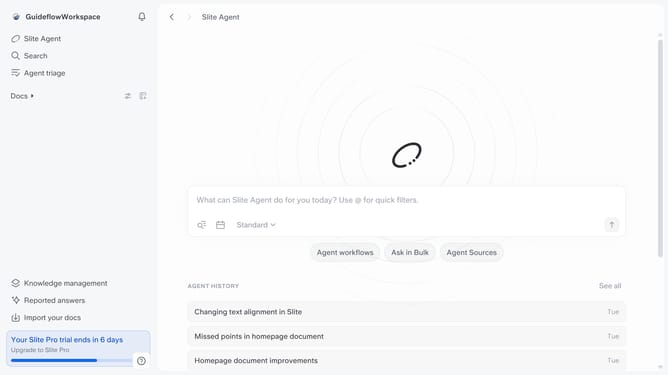
How to center align an image in a document in Slite
Here is how to center align an image in a document in slite
- First click on "Docs" item in the left sidebar
- Then open the Slite document you want to edit
- Then click on the image on the document
- Finally click on the "Center align" button
Why should you How to center align an image in a document in Slite
Slite is a powerful collaboration tool designed to streamline teamwork and enhance document creation.
One notable feature of Slite is the ability to center align an image within your document effortlessly. This feature enhances the visual appeal of your content, ensuring that images are presented in a balanced and professional manner.
Centering images helps to draw attention to essential visuals without distraction, making your documents more engaging and aesthetically pleasing.
Utilizing this feature in Slite not only improves readability but also contributes to a more cohesive and polished document appearance.
Last update