How to translate your document into a different language in Slite
Here is how to translate your document into a different language in slite
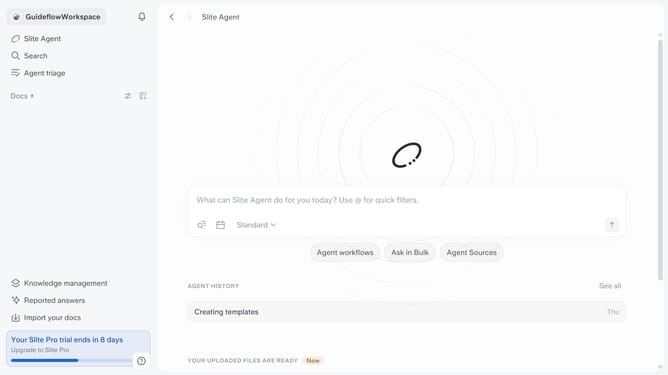
- First click on "Docs" item in the left sidebar
- Then open the Slite document you want to edit
- Then click on the three dots icon in the top right corner of the header
- Then select "Translate" from the dropdown menu
- Finally select from the list of languages
Why should you How to translate your document into a different language in Slite
Slite is a collaborative tool designed to streamline team documentation, enhancing productivity and idea sharing.
The ability to translate documents into different languages directly within Slite transforms how teams work in global markets. This feature ensures your content is accessible to team members regardless of their native language, fostering inclusivity and collaboration.
By offering seamless translations, Slite empowers teams to communicate more effectively, breaking down language barriers and ensuring everyone stays on the same page.
Last update