How to open document in a new tab in Slite
Here is how to open document in a new tab in slite
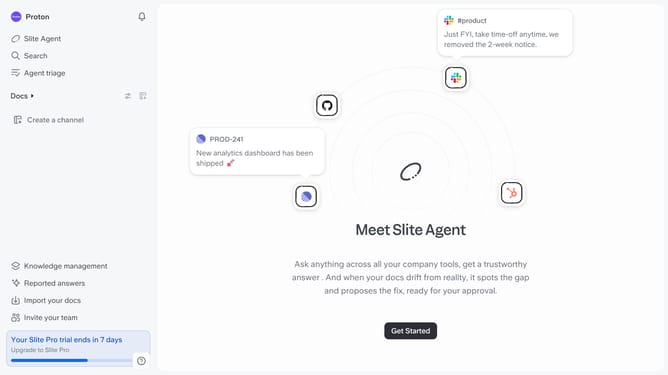
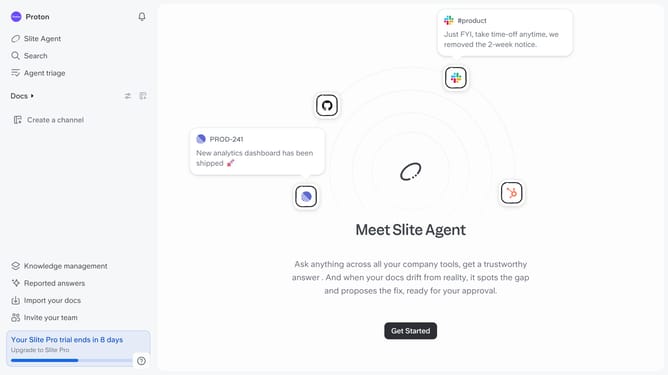
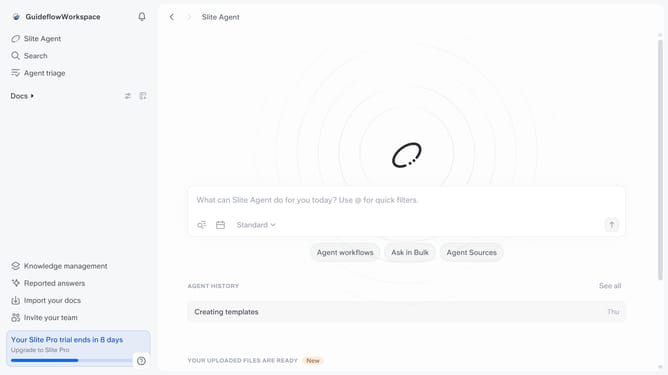
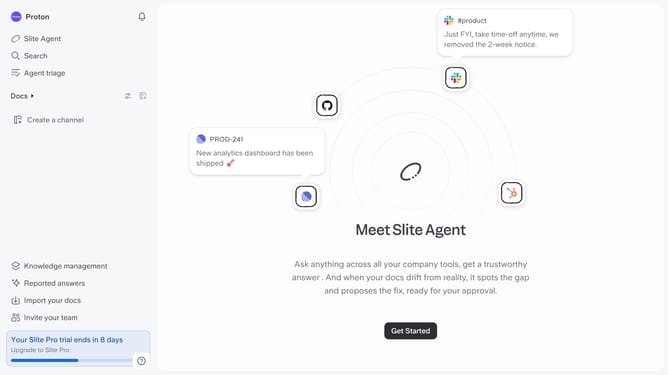
- First click on "Docs" item in the left sidebar
- Then open the Slite document you want to edit
- Then click on the three dots icon in the top right corner of the page
- Finally, select "Open in new tab" from the expanded menu
Why should you How to open document in a new tab in Slite
Slite is a collaborative tool that streamlines team communication by organizing documents efficiently.
Opening a document in a new tab is a user-friendly feature that enhances multitasking. This allows users to view or edit a document without losing their place in the main workspace, facilitating a smoother workflow.
Leveraging this feature means improved focus and efficiency, as teams can seamlessly switch between tasks and maintain a clear overview of projects without constant backtracking.
Last update