How to add a mermaid diagram in a document in Slite
Here is how to add a mermaid diagram in a document in slite
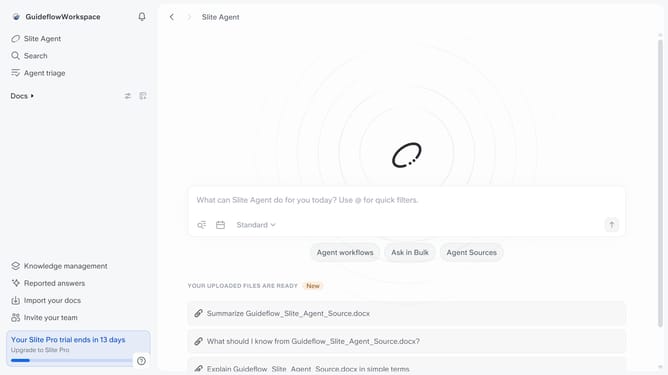
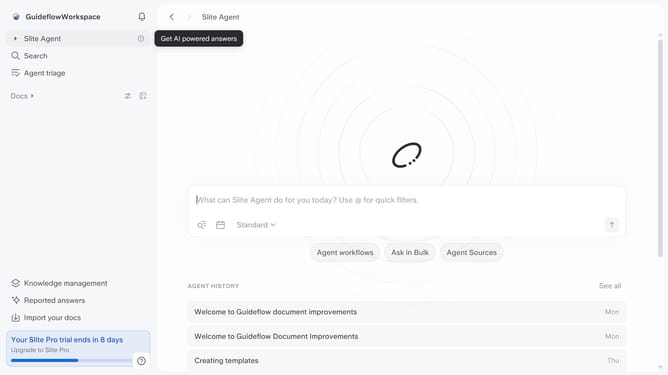
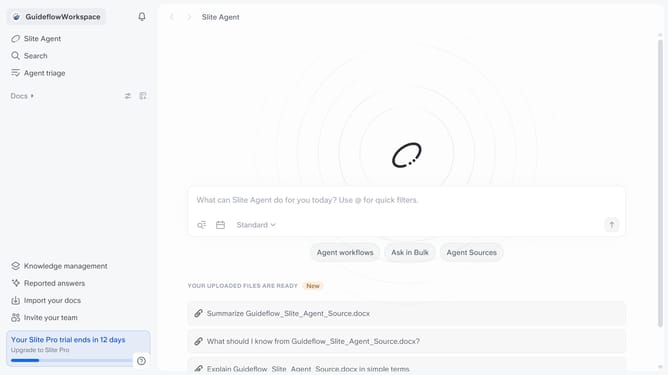
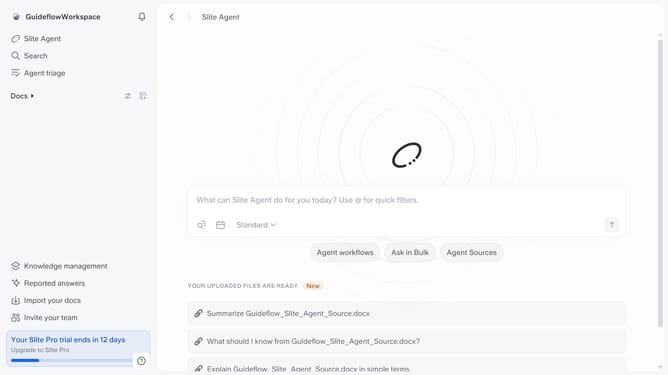
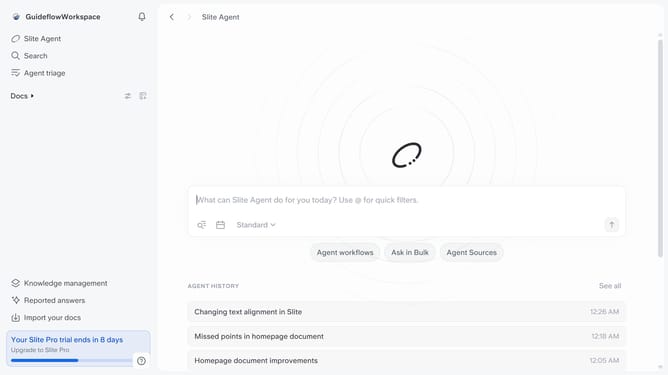
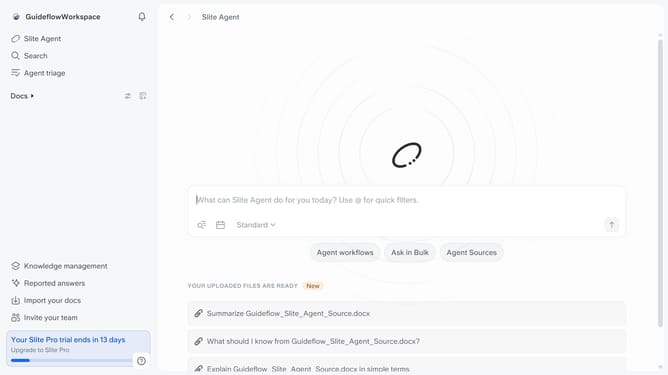
- First click on "Docs" item in the left sidebar
- Then open the Slite doc you want to edit
- Then click where you want to add the mermaid diagram and type "/" to open the formatting menu
- Finally, click on "Mermaid diagram" from the opened menu
Why should you How to add a mermaid diagram in a document in Slite
Slite is a sleek collaboration tool designed to streamline team communication and documentation.
Incorporating a mermaid diagram into your Slite document is a breeze, offering a visual edge to your content. Mermaid diagrams enhance understanding of complex processes and data flows, making information more accessible at a glance.
By using mermaid diagrams, teams can visualize workflows, organizational structures, and technical architectures effortlessly. This not only aids clarity but also fosters collaborative discussions, ensuring everyone is on the same page.
Ultimately, using mermaid diagrams in Slite enriches your document with visual insights, resulting in more engaging and comprehensible content.
Last update