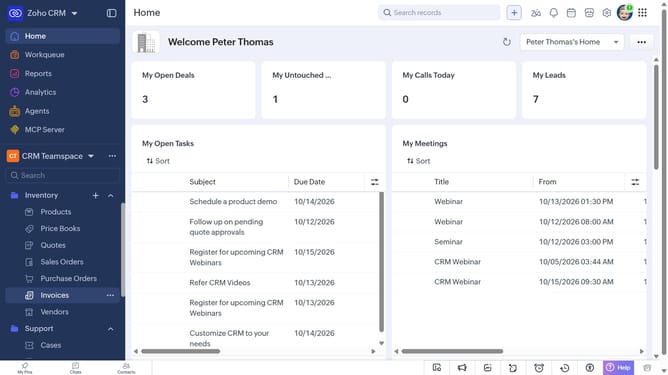
How to switch to Auto mode on Zoho CRM
Here is how to switch to auto mode on zoho crm
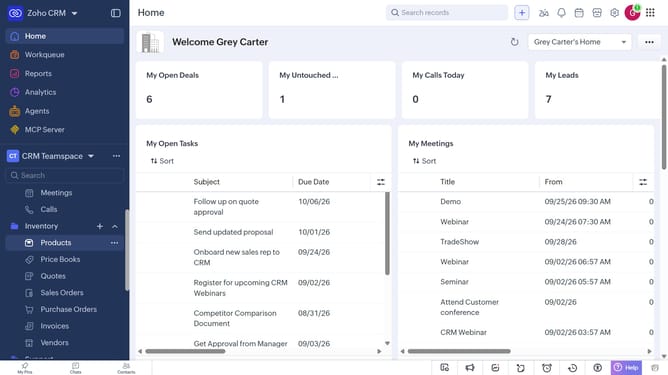
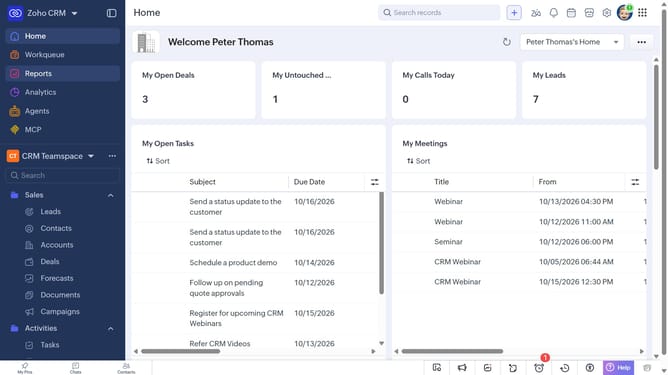
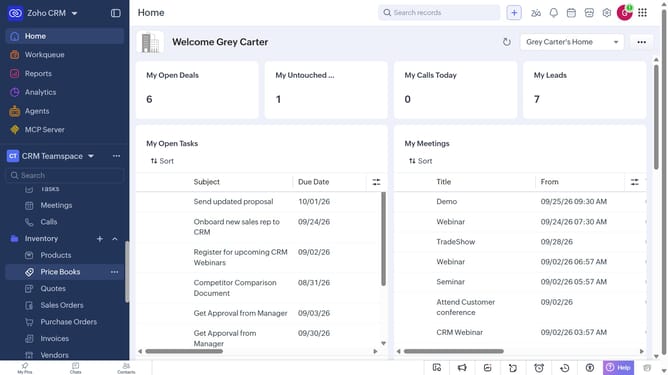
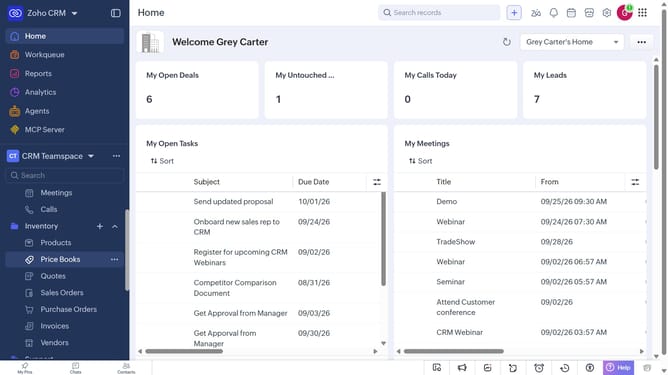
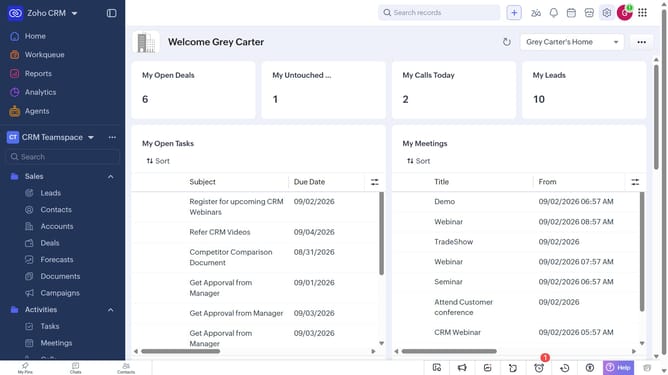
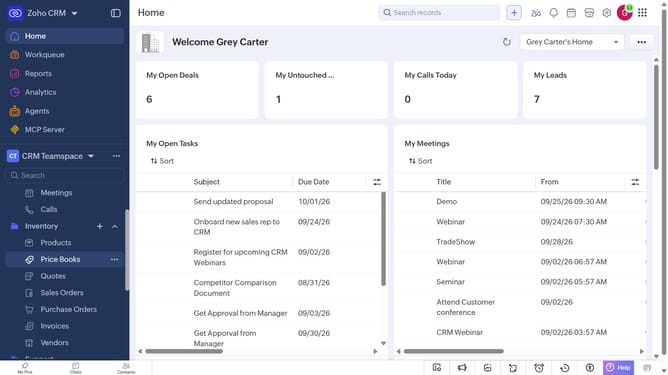
- First, click on your avatar profile in the header
- Next locate the "Mode" section
- Then select the "Auto" option
Why should you How to switch to Auto mode on Zoho CRM
Zoho CRM is a dynamic tool designed to streamline customer relationship management seamlessly.
Switching to Auto mode in Zoho CRM optimizes your workflow by automating routine tasks. This feature ensures that repetitive activities like data entry, follow-up reminders, and record updates are handled efficiently without manual intervention.
By using Auto mode, your team can focus on high-priority tasks, enhancing productivity and reducing the likelihood of errors. This leads to improved accuracy and the ability to allocate more time to strategic decision-making, ultimately boosting your business's growth and customer satisfaction.
Last update