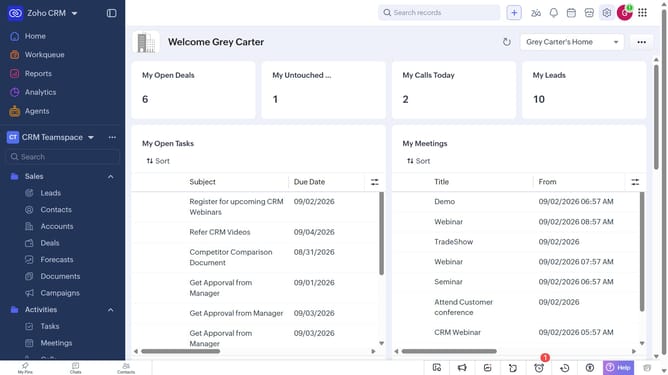
How to set motion control to Default on Zoho CRM
Here is how to set motion control to default on zoho crm
- First click on the settings icon in the top menu
- Next click on "Personal Settings" under the "General" section
- Click on the "Accessibility" tab
- After that, click on the "Vision" tab
- Then, locate the "Motion Control" option
- Finally, select the "Default" option
Why should you How to set motion control to Default on Zoho CRM
Zoho CRM is designed to optimize business operations by streamlining sales and customer relationship management.
Setting motion control to Default in Zoho CRM enhances user interactions by improving navigation efficiency. This feature ensures that user actions are seamless, fostering a smooth experience across various devices.
With motion control set to Default, businesses can achieve increased productivity as team members access essential features swiftly. This leads to enhanced collaboration and more effective customer engagement.
Last update