How to set a text to H2 in a table in Tettra
Here is how to set a text to h2 in a table in tettra
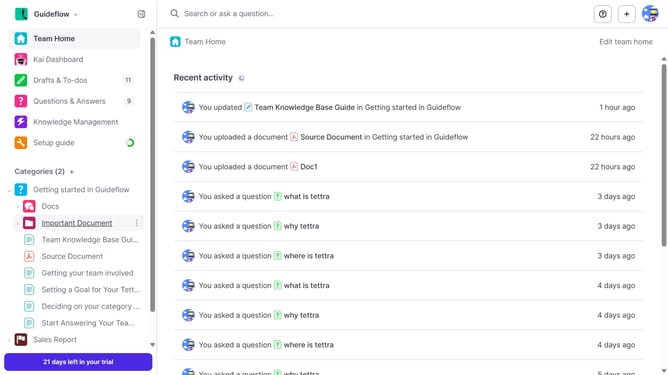
- First, click on the document title in the left sidebar
- Then click on "Continue Editing" button
- Next, highlight the text that you want to edit inside the table
- Finally click on "H2" in the formatting toolbar
Why should you How to set a text to H2 in a table in Tettra
Tettra is an intuitive knowledge management platform designed to streamline team collaboration. One helpful feature in Tettra is the ability to set text to an H2 within a table.
Using H2 headings within tables can greatly improve the readability and organization of information. By making text more prominent, team members can quickly identify key topics or sections, enhancing the efficiency of knowledge sharing.
This feature not only elevates important details but also aligns with effective content hierarchy practices. The result is a more accessible and professional-looking document that boosts overall productivity.
Last update