How to rename a dashboard in Zendesk Explore
Here is how to rename a dashboard in zendesk explore
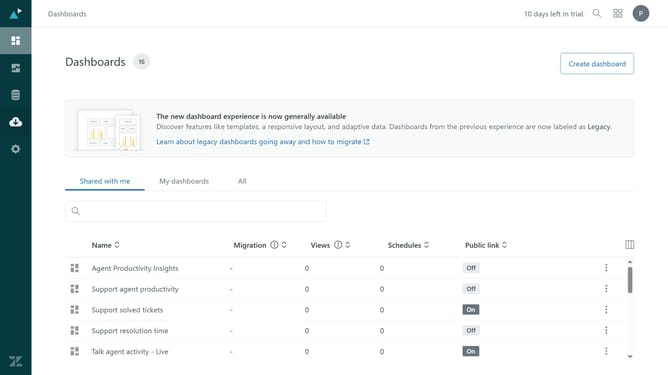
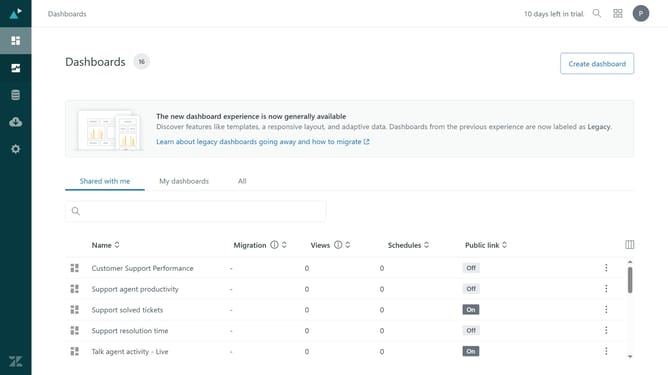
- First in Zendesk Explore, click the "Dashboards" icon in the left sidebar
- Find and click on the dashboard you want to rename from the list
- Click the "Edit" button in the top toolbar
- Then click the "Edit" icon next to the dashboard name
- Enter the new name for the dashboard in the dashboard title field
- FInally, once done click the "Save" button to confirm the new name
Why should you rename a dashboard in Zendesk Explore
Zendesk is a powerful tool designed to improve customer relations through seamless support and interaction.
Renaming a dashboard in Zendesk Explore enhances clarity in your reporting, making it easier to organize and retrieve information.
This feature aids in aligning dashboards with evolving business priorities, ensuring that your team can track and monitor the most relevant metrics easily.
Using this feature promotes efficiency, ensuring that all stakeholders understand and access crucial data with ease.
Last update