How to invite someone to a board in Monday.com
Here is how to invite someone to a board in monday.com
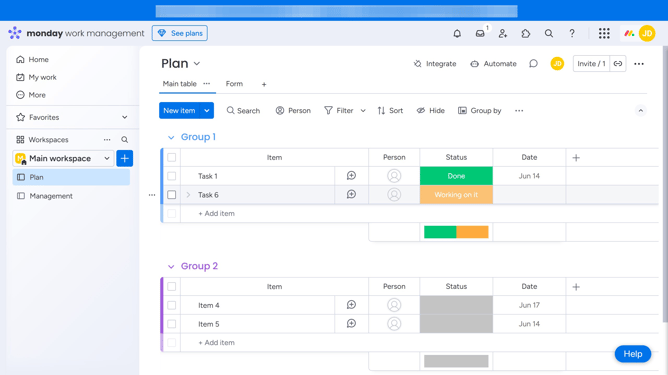
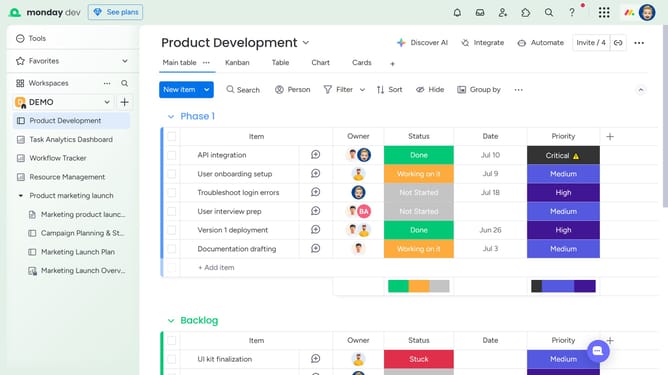
- First, in the left sidebar, open the board where you want to invite someone
- Next click on "Invite" button in the top menu bar
- Then enter the name or email address of the person you want to add in the invite field
- Click on the "Invite a new member by email" button
- Finally click on "Invite as a member" button to send the invitation
- The person will receive an email invitation and will be added to the board as soon as they accept it
Why should you invite someone to a board in Monday.com
Monday.com is a versatile work operating system that simplifies team collaboration and project management.
One of its standout features is the ability to easily invite someone to a board, enhancing team integration and communication.
This feature allows for seamless inclusion of new team members, ensuring everyone stays updated and engaged with ongoing projects and tasks.
Inviting someone to a board fosters a collaborative environment, promoting efficiency and making project information accessible to all relevant stakeholders.
Last update