How to highlight a text in a table in Tettra
Here is how to highlight a text in a table in tettra
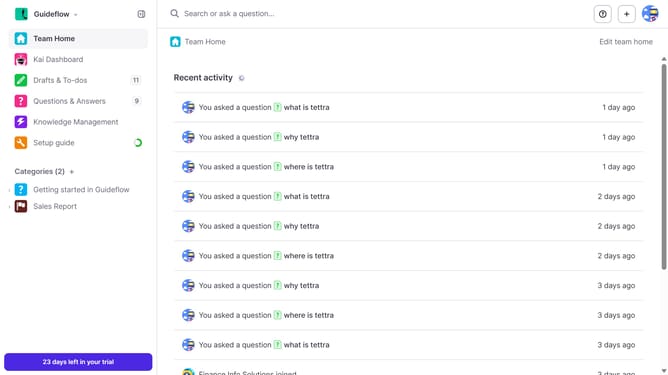
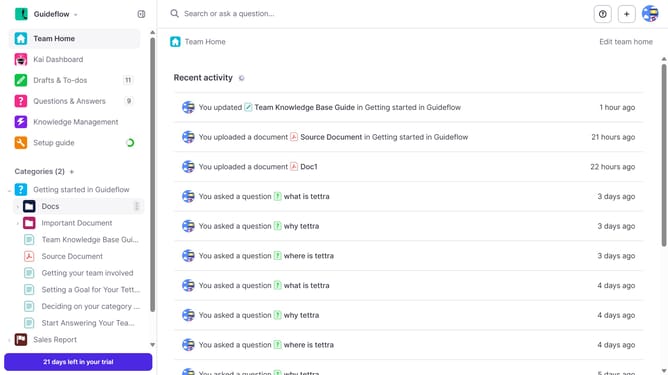
- First, click on the document title in the left sidebar
- Then click on "Continue Editing" button
- Next, highlight the text that you want to edit inside the table
- Finally, click on the pencil icon to highlight the text
Why should you How to highlight a text in a table in Tettra
Tettra is your team’s knowledge base, designed for easy information sharing and collaboration.
Highlighting text in a table in Tettra enhances clarity, helping emphasize crucial details in your team's documentation. This feature makes specific data points stand out, ensuring they aren't overlooked during collaborative projects.
By drawing attention to key information, you improve readability and streamline communication. Highlighting brings efficiency and precision, allowing teams to focus on what's essential. It's an effortless way to elevate your knowledge-sharing experience.
Last update