How to filter URLs by status in Ahrefs
Here is how to filter urls by status in ahrefs
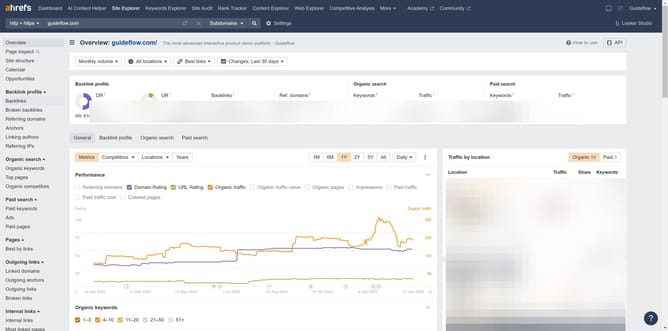
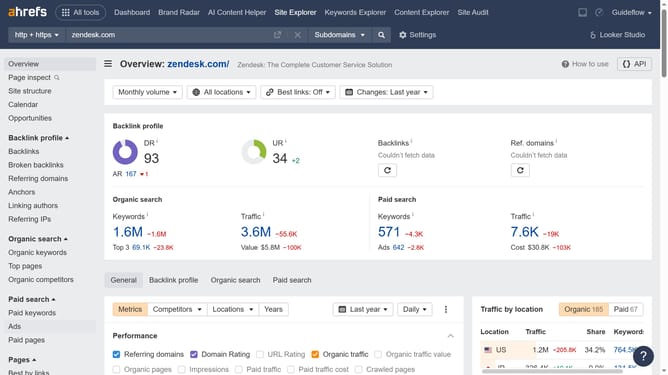
- First click on "Site Explorer" in the top navigation menu
- Enter the domain name in the search input field
- Click on the search button to analyze the domain
- In the left sidebar, click on "Top pages" under the Organic search section
- Click on the "Status" dropdown filter in the top filter bar
- Select the desired option from the Status dropdown menu
- Click the "Apply" button to apply the status filter
- Click "Show results" button to finalize the filter application
Why should you filter URLs by status in Ahrefs
Ahrefs is a powerhouse tool designed to amplify your SEO and marketing strategies through in-depth analysis and data insights.
One standout feature of Ahrefs is the ability to filter URLs by status. This feature allows you to swiftly identify issues like broken links or redirects, providing a clear perspective on your website's health.
By organizing URLs according to their status, you can prioritize fixes and optimizations efficiently. This brings about improved user experience and enhanced SEO performance, fostering better website rankings and online visibility.
Last update