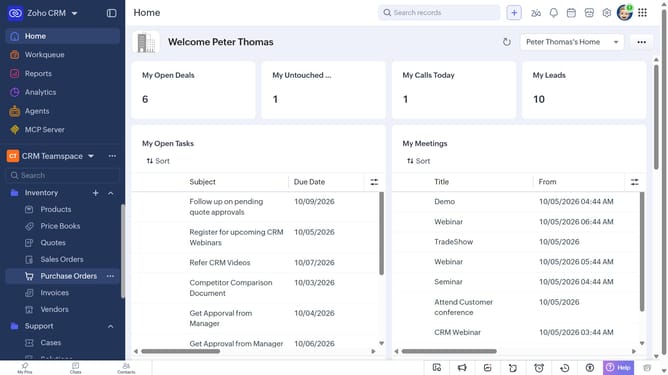
How to display an asterisk for mandatory fields on Zoho CRM
Here is how to display an asterisk for mandatory fields on zoho crm
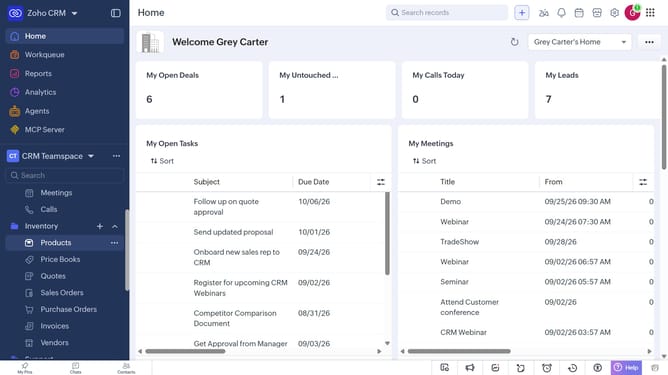
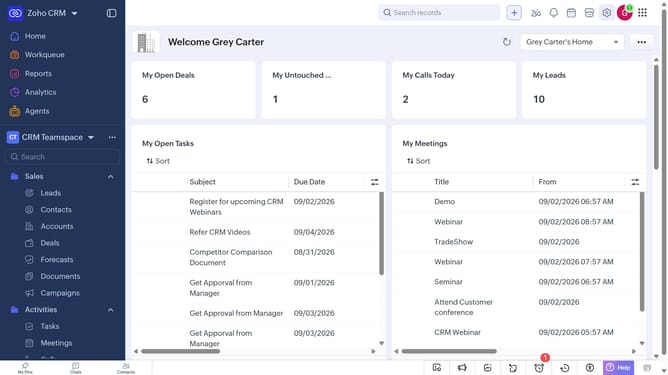
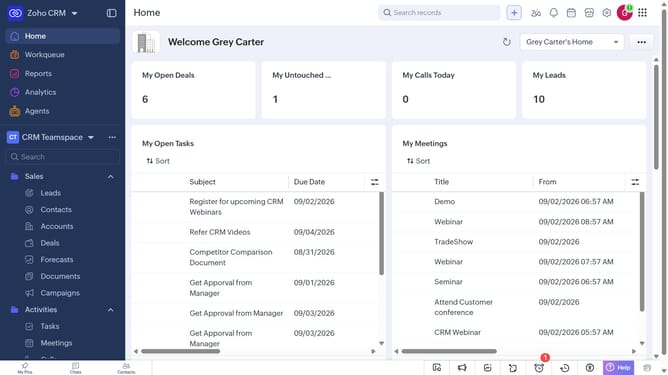
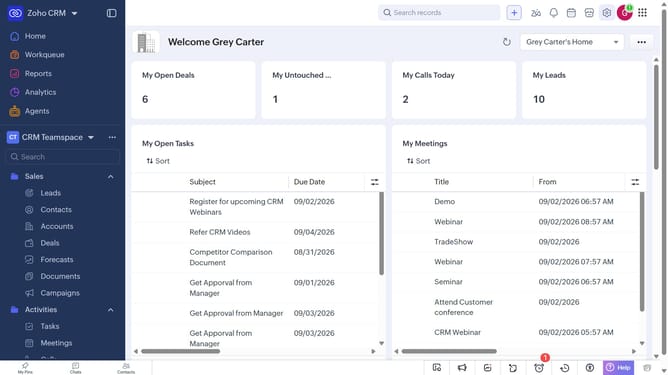
- First click on the settings icon in the top menu
- Next click on "Personal Settings" under the "General" section
- Click on the "Accessibility" tab
- After that, click on the "Vision" tab
- Locate the "Mandatory Field Display" option
- Then, click on the "Mandatory Field Display" dropdown
- Finally, select "Asterisk" from the dropdown
Why should you How to display an asterisk for mandatory fields on Zoho CRM
Zoho CRM is a comprehensive tool designed to streamline business processes and foster customer relationships effectively.
Displaying an asterisk for mandatory fields in Zoho CRM enhances data collection efficiency by clearly indicating required information. This feature ensures users complete essential fields, thus maintaining data integrity.
By marking mandatory fields, it reduces errors and saves time, providing clarity for users and helping businesses maintain accurate and complete records with ease.
Last update