How to disable sending completion emails to embedded signers in DocuSign
Here is how to disable sending completion emails to embedded signers in docusign
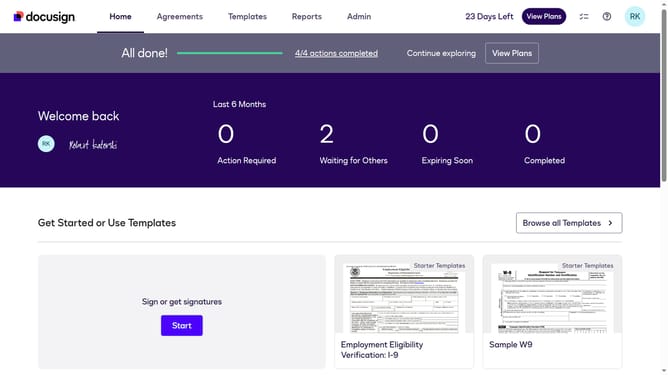
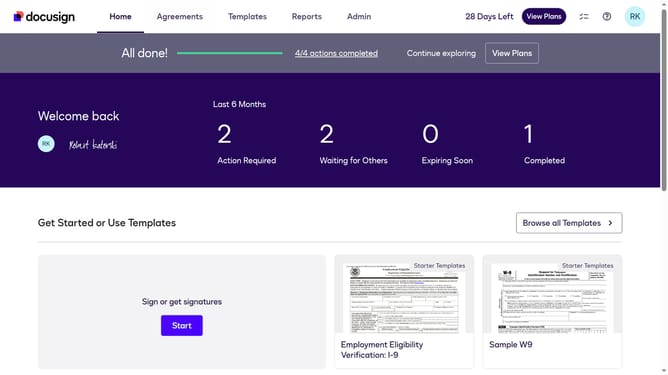
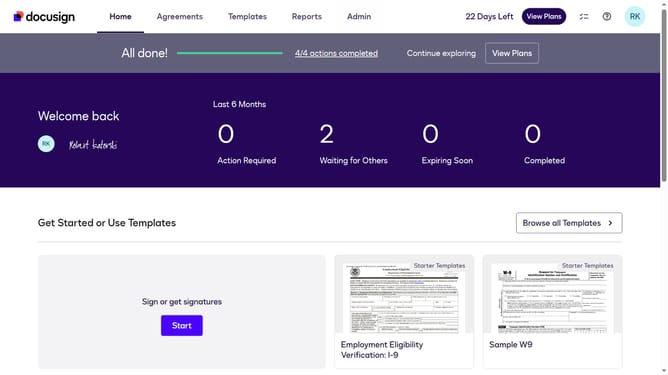
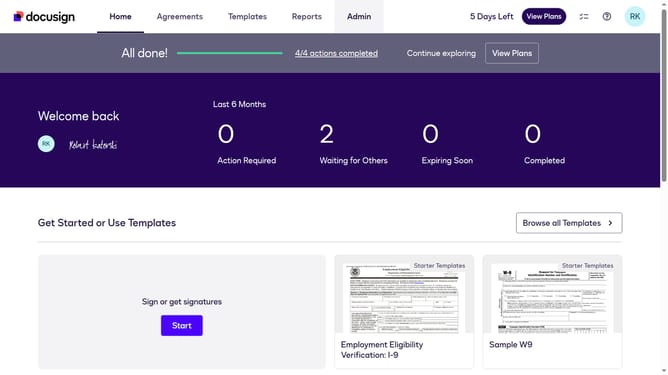
- First click on the "Admin" link in the top navigation menu
- Then scroll down the page to view more admin settings options
- Next click on "Signing Settings" in the left sidebar under the "SIGNING AND SENDING" section
- Then scroll down the page to view the "Envelope Delivery" section
- Next uncheck the checkbox labeled "Send completion emails to embedded signers" to disable this option
- Finally click on the "Save Changes" button to save the updated signing settings
Why should you disable sending completion emails to embedded signers in DocuSign
DocuSign is a leading digital transaction management platform that enables secure and seamless electronic signing.
An advantageous feature within DocuSign is the ability to disable sending completion emails to embedded signers. This optimizes user experience by minimizing inbox clutter while maintaining seamless document transactions within an integrated business process.
By reducing unnecessary email notifications, businesses can maintain communication efficiency and focus on core tasks, enhancing overall productivity and satisfaction for both senders and signers alike.
Last update