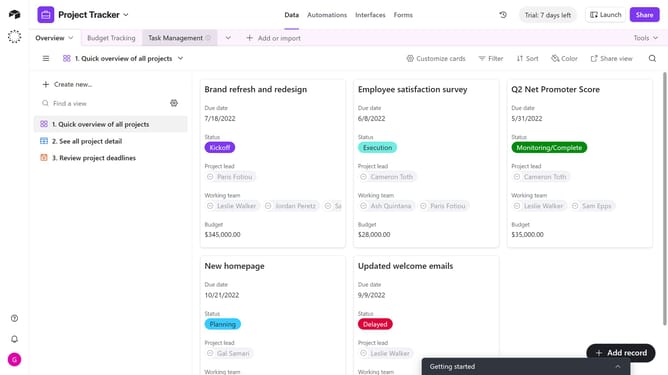
How to delete a workspace invite link in Airtable
Here is how to delete a workspace invite link in airtable
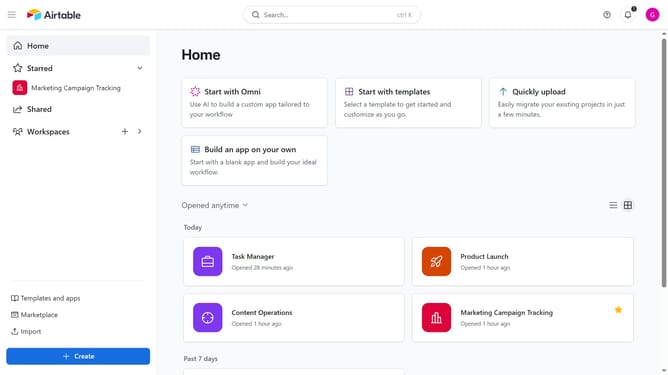
- First navigate to your Airtable home screen
- In the left sidebar, click on the workspace you want to delete the invite link
- Next click on the "Share" button in the top-right corner
- Click on the "Invite link" option in the share dialog
- Then click on the "Edit invite link" button (three dots menu)
- Finally click on the "Delete link" button in the edit invite link dialog
Why should you delete a workspace invite link in Airtable
Airtable is an intuitive platform that combines the simplicity of a spreadsheet with the complexity of a powerful database to streamline team collaboration.
Deleting a workspace invite link in Airtable is a straightforward feature that enhances security and control over who can join your workspace.
By removing outdated or risky invite links, you maintain the integrity of your projects and ensure that only the intended users have access.
This feature offers peace of mind, enabling teams to focus on productivity without worrying about unauthorized access.
Last update