How to delete a WordPress site?
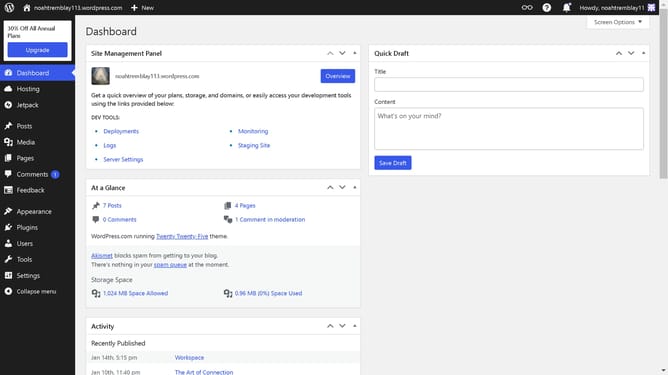
Here is how to delete a wordpress site
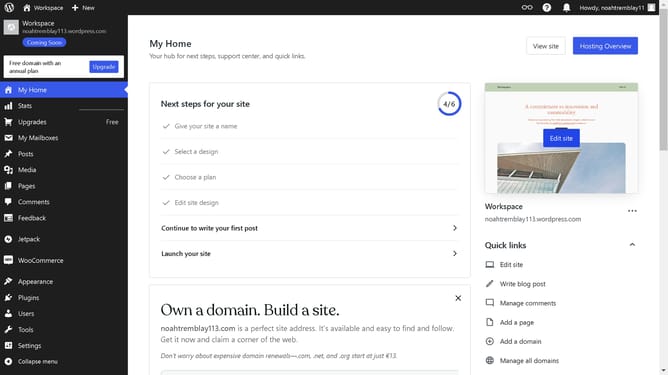
- Go to your "Sites" select the site you want to delete and then click the "Action" icon
- Then click on "Site settings" option in the dropdown menu
- Next click on "Delete your site permanently" button in the site tools section
- Then click on the "Export content" button to create a backup before deletion
- Type your email address to confirm your action
- Finally click the "Delete site" button to remove the site
Why should you delete a WordPress site?
WordPress is a versatile platform designed for creating and managing diverse types of websites with ease.
The ability to delete a WordPress site helps users maintain their online space efficiently by removing obsolete or unwanted websites. This feature is particularly beneficial for making room for fresh projects or when users wish to reorganize their digital portfolio.
Utilizing this feature streamlines web management, ensuring resources are not wasted and allowing you to focus on active, current projects. Embracing this functionality contributes to a cleaner, more organized online presence.
Last update