n8n
n8n is a workflow automation platform for technical teams to connect apps, APIs, and AI tools, automate complex workflows, and build integrations with the flexibility of code and the speed of no-code.
Website
Industry
Collaboration
Share this article:

How to create Microsoft Dynamics OAuth2 API credential in n8n

Here is how to create microsoft dynamics oauth2 api credential in n8n

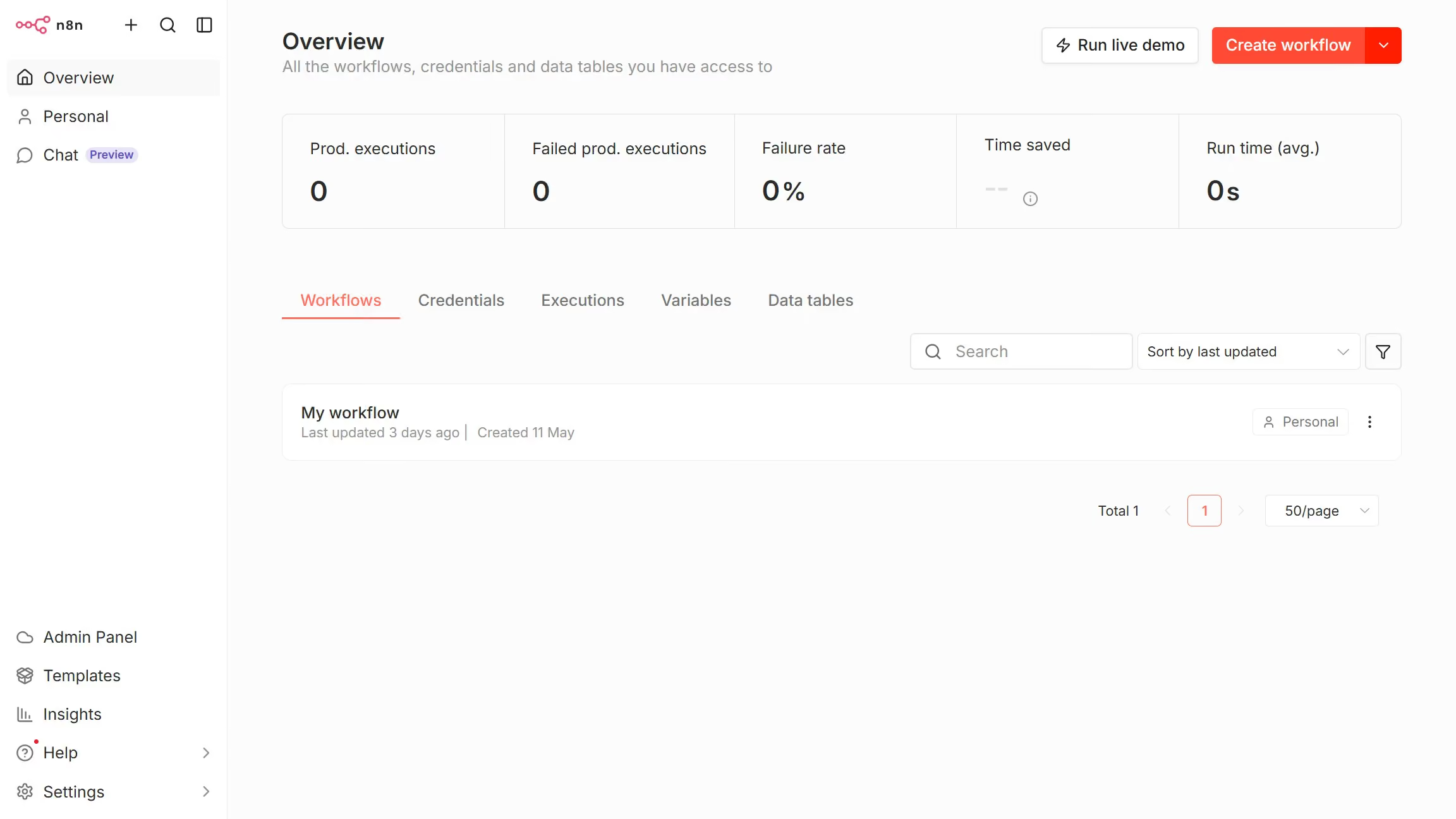
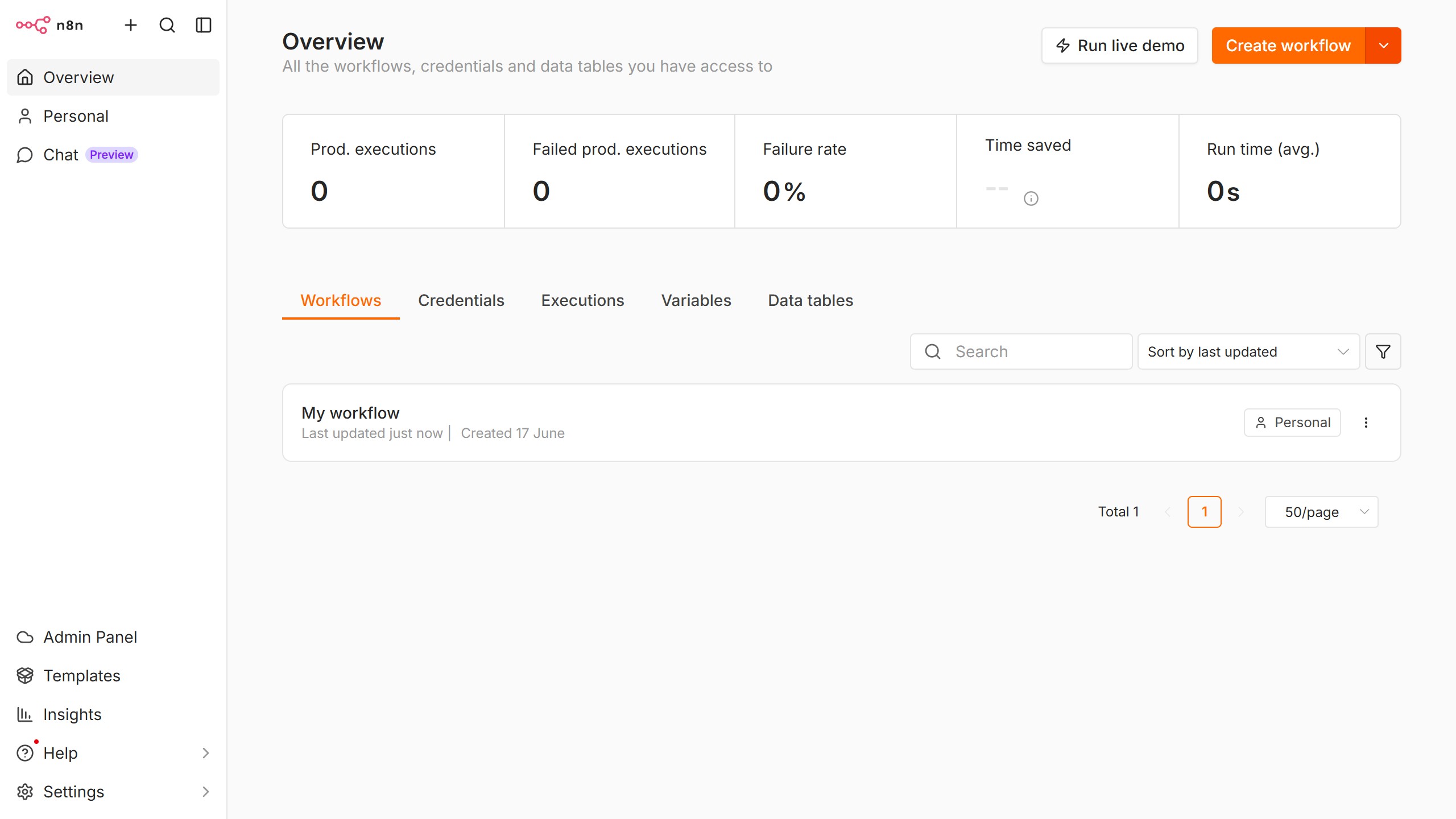
  1. First click on the dropdown arrow next to "Create workflow" button.
  2. Then click on "Create credential" button.
  3. Then click on the "Search for app..." input field and enter "Microsoft Dynamics".
  4. Then click on "Microsoft Dynamics OAuth2 API" radio button.
  5. Then click on the "Continue" button.
  6. Then fill in the required credential details.
  7. Finally click on the "Connect to Microsoft Dynamics" button.

Create your own interactive guide with Guideflow

Why should you create Microsoft Dynamics OAuth2 API credential in n8n

n8n is a powerful workflow automation tool designed to seamlessly connect applications and streamline processes.

By creating Microsoft Dynamics OAuth2 API credentials in n8n, users unlock seamless integration capabilities, enhancing data exchange and process automation. This feature not only simplifies the authentication process but also ensures secure access to Microsoft Dynamics data.

With OAuth2 API credentials in hand, businesses can effortlessly integrate their customer relationship management data into automated workflows, improving efficiency and fostering more informed decision-making.

Last update
June 10, 2026
Cursor MariaA cursor points to a button labeled "James."

Create your first demo in less than 30 seconds.