How to create Zoom API credential in n8n
Here is how to create zoom api credential in n8n
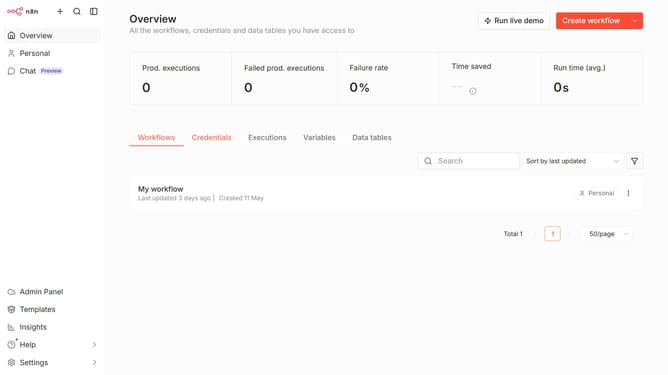
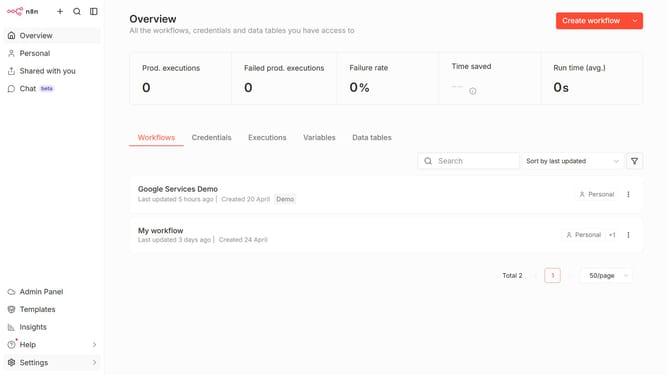
- First click on the dropdown arrow next to 'Create workflow' button
- Then click on 'Create credential' option from the dropdown menu
- Next click on the search input field and enter 'Zoom'
- After that select 'Zoom API' from the search results
- Then click on the 'Continue' button
- Next fill in the text input field for 'JWT Token'
- Finally click on the 'Save' button
Why should you create Zoom API credential in n8n
n8n is an intuitive workflow automation tool that connects apps without code, enhancing productivity.
Creating Zoom API credentials in n8n allows seamless integration, unlocking enhanced automation possibilities for Zoom-based tasks.
By leveraging this feature, users can automate Zoom meeting management, streamline communications, and improve collaboration efficiency.
This integration empowers users to focus on impactful tasks, freeing up time otherwise spent on manual data handling.
Last update