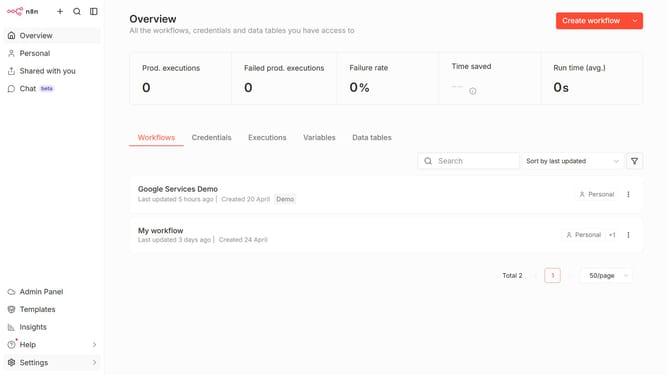
How to create Alibaba Cloud credential in n8n
Here is how to create alibaba cloud credential in n8n
- First click on the 'Create workflow' button with a dropdown arrow.
- Then click on the 'Create credential' button.
- Next, in the 'Add new credential' modal, select 'Alibaba Cloud' from the list.
- After that, click on the 'Continue' button.
- Then click on the text input field to enter your 'API Key'.
- Finally click on the 'Save' button.
Why should you create Alibaba Cloud credential in n8n
n8n is a powerful open-source workflow automation tool that lets users connect different services effortlessly.
Creating Alibaba Cloud credentials in n8n simplifies the process of integrating Alibaba Cloud services into your workflow. This feature supports secure and streamlined access, ensuring that your automations can seamlessly interact with Alibaba Cloud resources.
Using this feature in n8n minimizes manual processes, enhancing productivity and efficiency. It allows for scalable, automated workflows tailored to specific business needs, saving time and reducing errors.
Last update