How to create Dropbox API credential in n8n
Here is how to create dropbox api credential in n8n
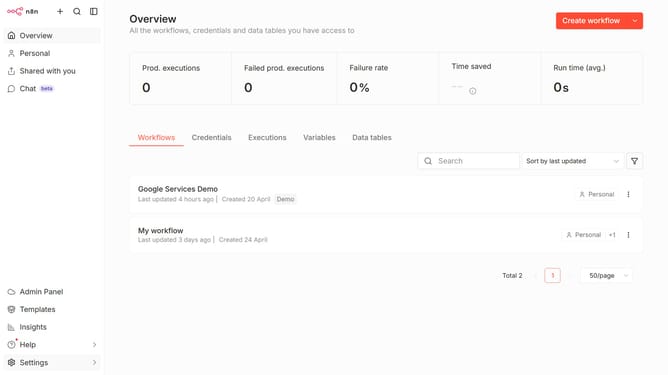
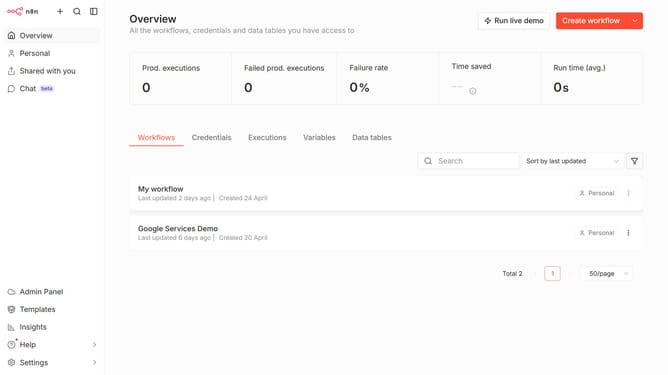
- First click on the dropdown arrow next to "Create workflow" button.
- Then click on "Create credential" button.
- Next, click on the "Search for app..." input field.
- Then type in "dropbox" and select "Dropbox API" from the list.
- After that click on "Continue" button.
- Next, click on the "Access Token" input field and enter your access token.
- Finally click on the "Save" button.
Why should you create Dropbox API credential in n8n
n8n is a powerful workflow automation tool that connects various apps and services seamlessly.
Using Dropbox API credentials in n8n allows users to automate file management and enhance team collaboration efficiently. By integrating Dropbox with n8n, tasks such as file uploads, downloads, and updates become automated, saving valuable time.
This feature simplifies complex workflows by reducing manual intervention, ensuring streamlined operations and enhanced productivity. Leveraging Dropbox with n8n ensures security and flexibility in data handling for users.
Last update