How to create Netscaler ADC API credential in n8n
Here is how to create netscaler adc api credential in n8n
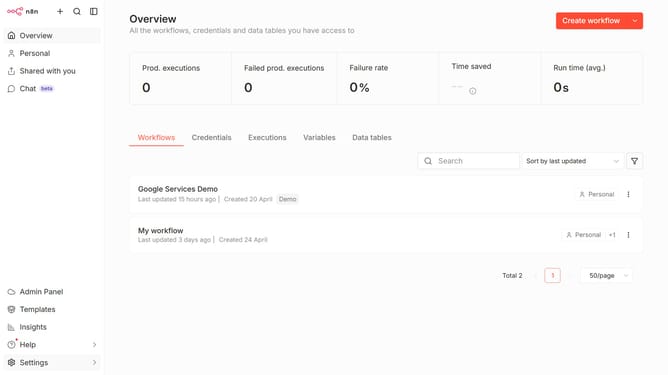
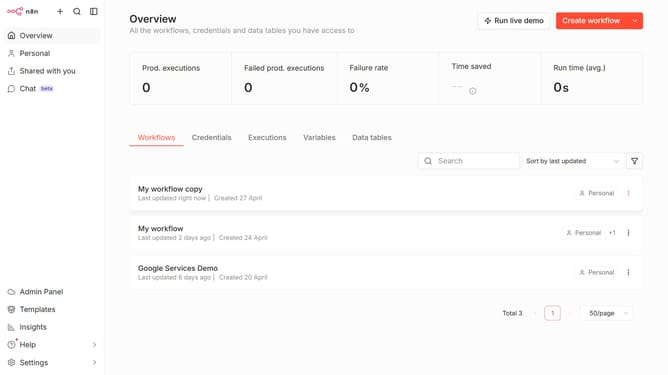
- First click on the dropdown arrow next to "Create workflow" button
- Then click on "Create credential" button
- Then click on the search bar and enter "Netscaler"
- Then click on "Netscaler ADC API" radio button
- Then click on "Continue" button
- Then fill in the required credential details
- Finally click on "Save" button
Why should you create Netscaler ADC API credential in n8n
n8n is a powerful and flexible workflow automation tool that connects various services and applications seamlessly.
Creating Netscaler ADC API credentials within n8n enhances your ability to smoothly integrate and automate networking tasks. This feature allows you to streamline processes by securely managing and accessing Netscaler API endpoints directly from n8n.
By utilizing this integration, you can significantly improve operational efficiency, reduce manual workload, and enhance networking capabilities across your digital infrastructure.
Last update