How to create Discourse API credential in n8n
Here is how to create discourse api credential in n8n
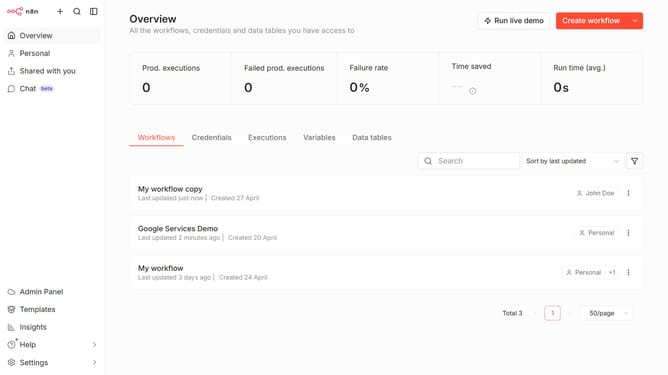
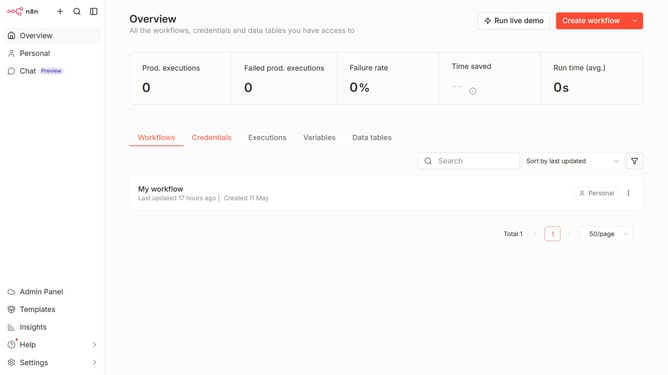
- First click on the 'Create workflow' button dropdown.
- Then click on the "Create credential" option.
- Next, click on the "Search for app..." input field.
- Then, type "discourse" into the search bar and click on "Discourse API".
- After that, click on the "Continue" button.
- Then, enter the necessary information for your new credential.
- Finally, click on the "Save" button.
Why should you create Discourse API credential in n8n
n8n is a powerful workflow automation tool designed to streamline complex processes with ease.
Creating a Discourse API credential in n8n opens up a world of opportunities for seamless integration between your Discourse community and automated workflows. By setting up this feature, users can effortlessly manage data exchange and automate community interactions within their Discourse platform.
This integration empowers users to reduce manual tasks and improve efficiency. It ensures your community management is synchronized and up-to-date, enabling you to focus on enhancing user engagement and growth.
Last update