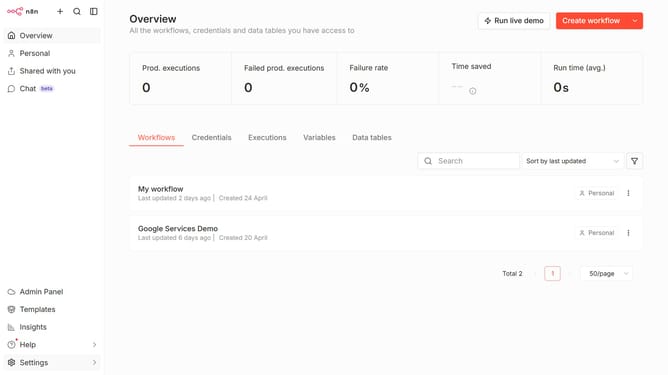
How to create WhatsApp API credential in n8n
Here is how to create whatsapp api credential in n8n
- First click on the dropdown arrow next to "Create workflow" in the header.
- Then click on "Create credential" option from the dropdown menu.
- Next, click on the "Search for app..." input field within the "Add new credential" modal.
- Then type "WhatsApp" in the search field and select "WhatsApp API" from the suggestions.
- After that, click on the "Continue" button.
- Then fill in the credential details.
- Finally click on the "Save" button.
Why should you create WhatsApp API credential in n8n
n8n is a versatile automation tool that connects different apps and services for seamless workflows.
Creating WhatsApp API credentials in n8n empowers businesses to integrate WhatsApp messaging into their automated processes.
By using this feature, users can efficiently manage customer interactions and streamline communication efforts.
The ability to automate and customize WhatsApp makes n8n an essential tool for enhancing productivity and connectivity.
Last update