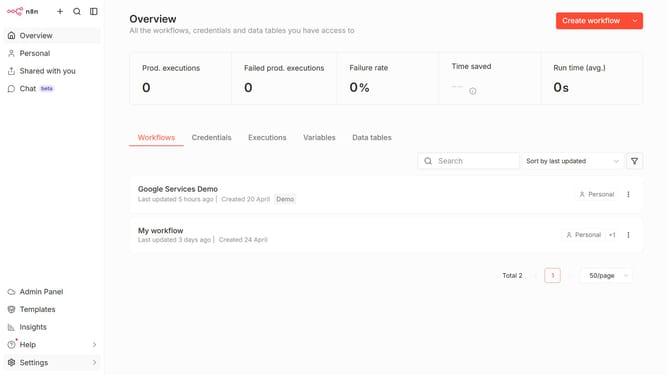
How to disable Mistral Cloud chat provider in n8n
Here is how to disable mistral cloud chat provider in n8n
- First click on "Settings" in the left sidebar.
- Then click on "Chat Preview" in the expanded settings menu.
- Then click on the three dots icon for Mistral Cloud.
- Then click on "Edit provider" to modify the settings.
- Then click on the "Enable Mistral Cloud" toggle to deactivate it.
- Finally click on the "Confirm" button to save the changes.
Why should you disable Mistral Cloud chat provider in n8n
n8n is an empowering automation tool that optimizes workflows by seamlessly connecting various applications and services.
For users seeking greater control, disabling the Mistral Cloud chat provider in n8n offers enhanced privacy and streamlined operations. This feature ensures focus on essential integrations without unnecessary distractions.
By customizing the chat functionality, users can better tailor their workflow to suit specific business needs, thus improving productivity and fostering a more efficient work environment.
Last update