How to create Pipedrive API credential in n8n
Here is how to create pipedrive api credential in n8n
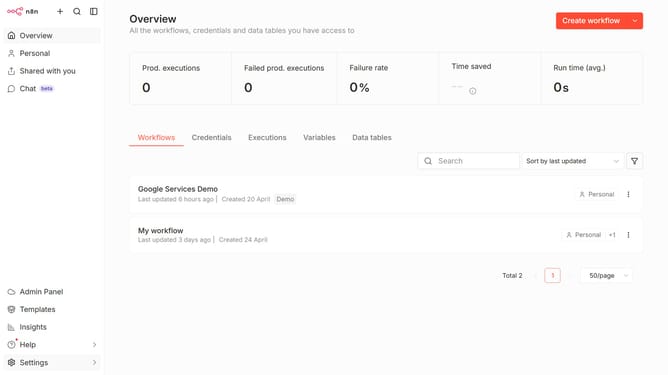
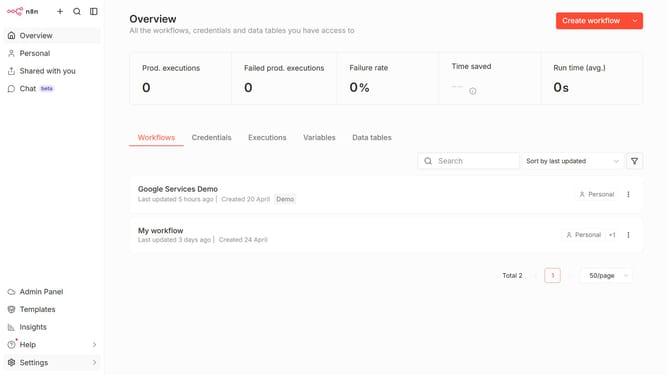
- First click on the dropdown arrow next to the "Create workflow" button.
- Then click on the "Create credential" option.
- Then click on the "Search for app..." input field and enter "Pipe".
- Then click on the "Pipedrive API" option.
- Then click on the "Continue" button.
- Then fill in the "API Token" input field.
- Finally click on the "Save" button.
Why should you create Pipedrive API credential in n8n
n8n is an open-source workflow automation tool designed to seamlessly connect various applications and services.
Creating Pipedrive API credentials in n8n allows for enhanced communication between Pipedrive and other apps, streamlining your workflow processes. This integration empowers users to automate repetitive tasks effectively and gain real-time insights, boosting productivity.
By enabling Pipedrive API credentials in n8n, users can harness the full potential of their CRM data, facilitating smarter decision-making and improving overall business efficiency.
Last update