How to disable Azure (Entra ID) chat provider in n8n
Here is how to disable azure (entra id) chat provider in n8n
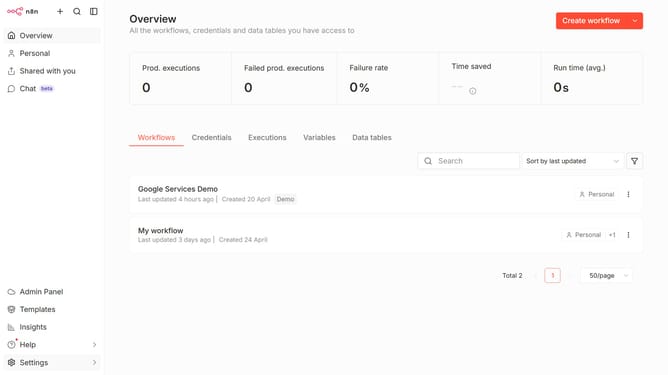
- First click on the "Settings" item in the sidebar
- Then click on the "Chat" item in the sidebar menu
- Then click on the three dots icon next to Azure
- Then click on the "Edit provider" button
- Then toggle the "Enable Azure (Entra ID)" switch to the OFF position
- Finally click on the "Confirm" button
Why should you disable Azure (Entra ID) chat provider in n8n
n8n is an innovative workflow automation tool designed to simplify complex processes and enhance productivity.
Disabling the Azure (Entra ID) chat provider in n8n is a feature that offers users flexibility and control over their workflow integrations. By managing chat providers effectively, teams can maintain a clutter-free and streamlined workspace, leading to more efficient team interactions.
This feature is particularly beneficial as it allows users to personalize their integration setups, ensuring only the essential services are active. Emphasizing choice, n8n supports diverse operational needs, making it a favored tool among businesses.
Last update