How to create X OAuth2 API credential in n8n
Here is how to create x oauth2 api credential in n8n
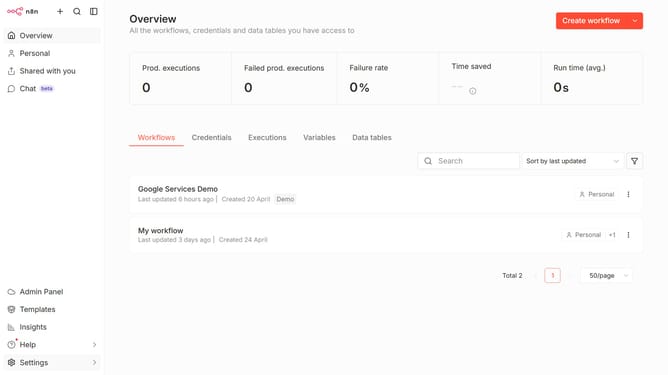
- First click on the dropdown arrow next to "Create workflow" button in the header
- Then click on "Create credential" button
- Next click on the search bar and enter "X OAuth2"
- After that select "X OAuth2 API" from the dropdown list
- Then click on the "Continue" button
- Next fill in the required credential details
- Finally click on the "Connect to X" button
Why should you create X OAuth2 API credential in n8n
n8n is an intuitive automation platform that connects simple nodes to create seamless workflows effortlessly.
Creating an OAuth2 API credential in n8n is a vital feature that enables secure and authenticated communications between n8n and various external services. This feature is particularly essential for ensuring secure data exchanges and seamless automation processes.
The primary benefit of using OAuth2 credentials lies in the enhanced security it provides. By leveraging OAuth2 in n8n, users can protect sensitive data while automating workflows, ensuring robust integrations without the complexities traditionally associated with security management.
Last update