How to create Twake Server API credential in n8n
Here is how to create twake server api credential in n8n
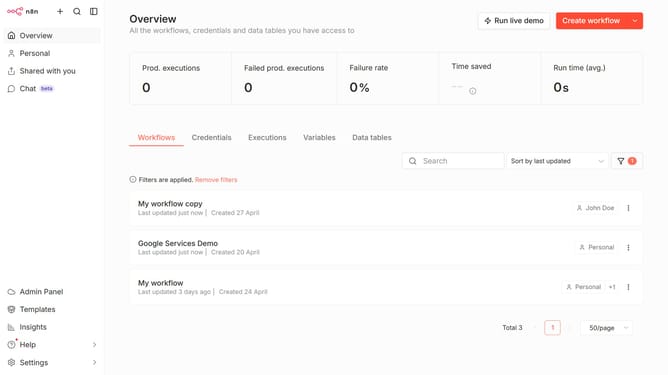
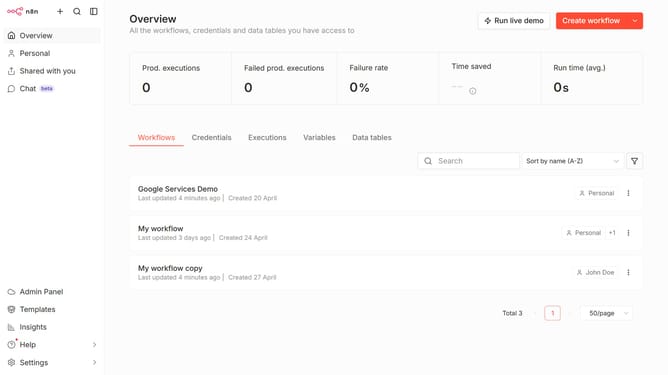
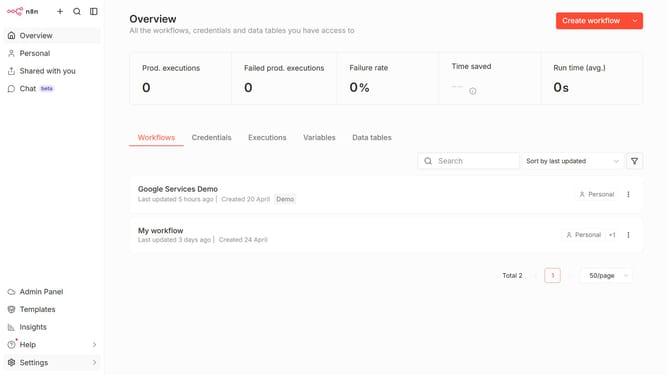
- First click on the dropdown arrow next to "Create workflow"
- Then click on "Create credential"
- Next click on the search input field and enter "Twake"
- Then click on "Twake Server API" option
- Next click on the "Continue" button
- Then fill in the credential details
- Finally click on the "Save" button
Why should you create Twake Server API credential in n8n
n8n empowers users to automate workflows seamlessly, offering a flexible integration platform.
Creating Twake Server API credentials within n8n allows users to effortlessly integrate Twake, a collaborative workspace, into their automated workflows. This feature enhances productivity by enabling seamless data flow between Twake and various services, ensuring that collaboration and communication are enhanced across teams.
Utilizing this connectivity not only boosts efficiency but also maximizes the potential of both n8n and Twake for streamlined operations.
Last update