How to set default Vercel AI Gateway chat provider credential in n8n
Here is how to set default vercel ai gateway chat provider credential in n8n
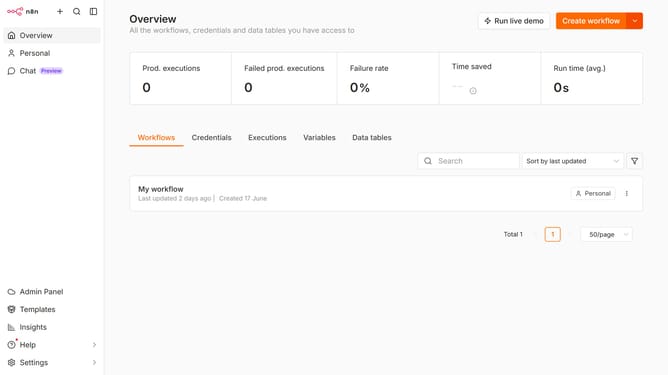
- First click on "Settings" in the left sidebar
- Then click on "Chat" in the left sidebar
- Then click on the three dots icon on the right of the "Vercel AI Gateway" row
- Then click on the "Edit provider" button
- Then click on the "Select" dropdown for "Default credential"
- Then select the desired credential from the dropdown
- Then click on the "Confirm" button
Why should you set default Vercel AI Gateway chat provider credential in n8n
n8n is a powerful, user-friendly automation tool designed to streamline workflows effortlessly.
Setting a default Vercel AI Gateway chat provider credential in n8n ensures seamless communication between various automated processes, enhancing efficiency and consistency.
This feature simplifies credential management, saves time, and reduces errors, allowing users to focus on more critical tasks without interruption.
With these credentials in place, automations are more secure, professional, and reliable.
Last update