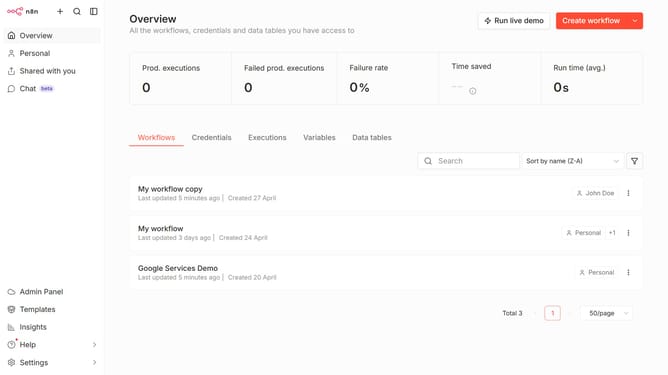
How to create Sentry.io Server API credential in n8n
Here is how to create sentry.io server api credential in n8n
- First click on the dropdown arrow next to "Create workflow" button.
- Then click on "Create credential" option.
- After that, click on the "Search for app..." input field and enter "Sentry".
- Next, select the "Sentry.io Server API" option.
- Then click on the "Continue" button.
- Next, fill in your credential details.
- Finally, click on the "Save" button.
Why should you create Sentry.io Server API credential in n8n
n8n is a powerful automation platform designed to simplify complex workflows across diverse systems.
Integrating Sentry.io Server API credentials within n8n ensures seamless error tracking, enhancing workflow stability. This feature empowers developers to meticulously monitor system performances.
By managing credentials efficiently, users enjoy improved debugging and reduced downtime, leading to a more robust and resilient operational environment.
Last update