How to create AlienVault API credential in n8n
Here is how to create alienvault api credential in n8n
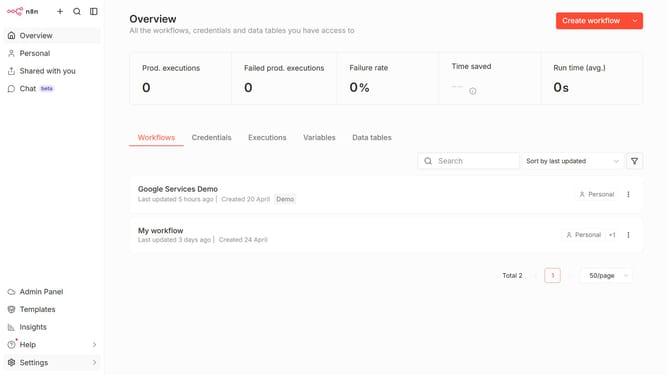
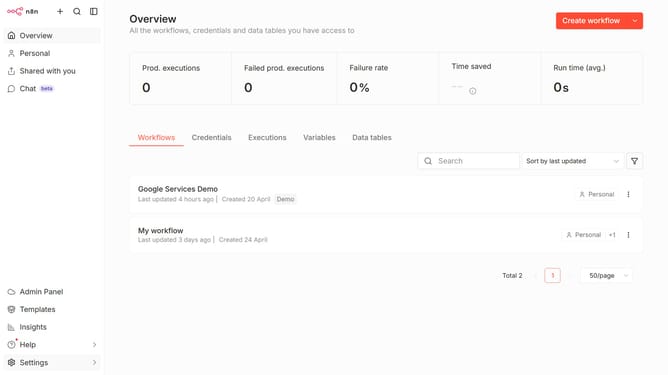
- First click on the dropdown arrow next to "Create workflow" button
- Then click on "Create credential" button
- Next click on "AlienVault API" option
- Then click on "Continue" button
- Next click on the input field and enter your OTX Key
- Finally click on "Save" button
Why should you create AlienVault API credential in n8n
n8n is a powerful automation platform designed to connect various applications and facilitate seamless workflows.
Creating an AlienVault API credential in n8n enhances your automation capabilities by integrating advanced security threat intelligence into your workflows.
Utilizing these API credentials allows you to efficiently manage and analyze security data within n8n, offering robust protection for your digital environment.
This integration empowers users by streamlining threat detection processes, significantly increasing operational efficiency and security posture.
Last update