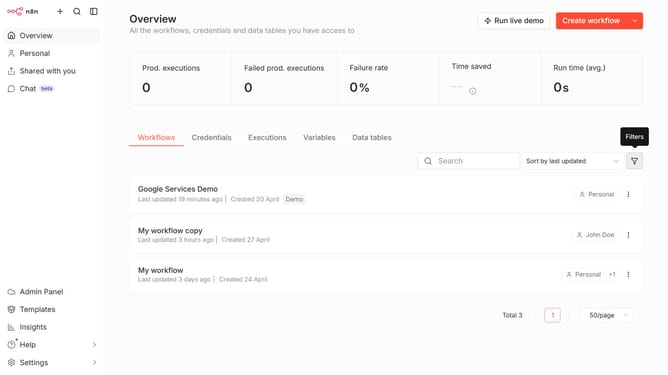
How to create Google Cloud Natural Language OAuth2 API credential in n8n
Here is how to create google cloud natural language oauth2 api credential in n8n
- First click on the drop-down arrow next to "Create workflow" in the top menu.
- Then click on "Create credential" in the top menu.
- In the modal window, click on the "Search for app..." input field and enter "google cloud".
- Then click on the "Google Cloud Natural Language OAuth2 API" option.
- Next, click on the "Continue" button.
- Then fill in the necessary input fields.
- Finally click on the "Sign in with Google" button.
Why should you create Google Cloud Natural Language OAuth2 API credential in n8n
n8n is a versatile workflow automation tool that connects various applications to streamline processes effortlessly.
Creating a Google Cloud Natural Language OAuth2 API credential in n8n empowers users to seamlessly integrate language understanding into their automation workflows.
This feature enriches applications by providing powerful natural language processing capabilities, such as sentiment analysis and entity recognition. The integration is essential for developers aiming for enhanced interaction and insights through text-based data.
By leveraging n8n’s intuitive interface, users can efficiently boost their productivity and enhance decision-making processes with minimal effort.
Last update