How to disable AWS Bedrock chat provider in n8n
Here is how to disable aws bedrock chat provider in n8n
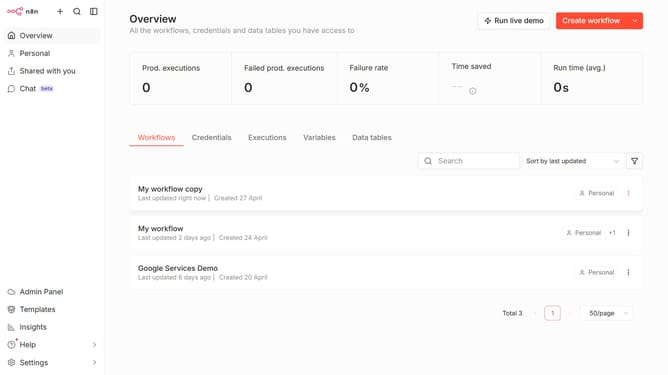
- First click on "Settings" in the left sidebar.
- Then click on "Chat" in the left sidebar.
- Next, click on the three dots icon next to the entry.
- Then click on "Edit provider" button.
- Next, toggle the "Enable AWS Bedrock" switch off.
- Finally click on the "Confirm" button.
Why should you disable AWS Bedrock chat provider in n8n
n8n is a powerful workflow automation tool that seamlessly connects different apps and services to enhance productivity.
Disabling the AWS Bedrock chat provider within n8n can help streamline operations by reducing unnecessary integrations, freeing up resources, and optimizing performance.
With focused configurations, users gain better control over their automation workflows, ensuring that only essential services are engaged. This improves efficiency and tailors the system to meet specific operational demands effectively.
Overall, managing these integrations intelligently contributes to a more intuitive and responsive user experience.
Last update