How to create Mautic OAuth2 API credential in n8n
Here is how to create mautic oauth2 api credential in n8n
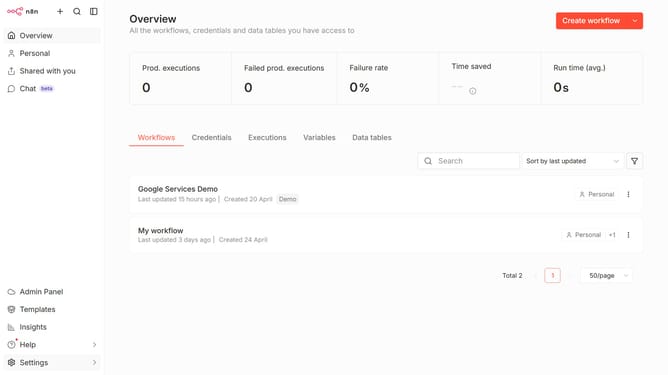
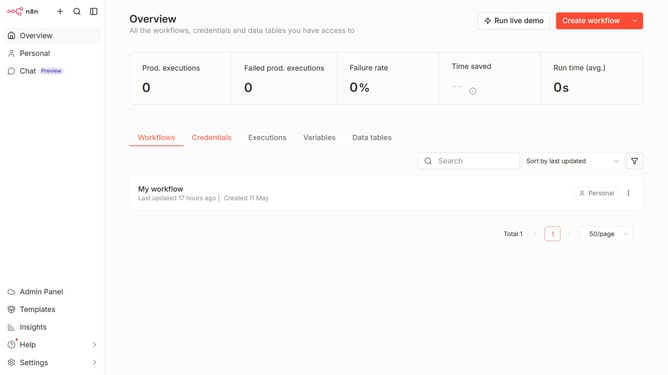
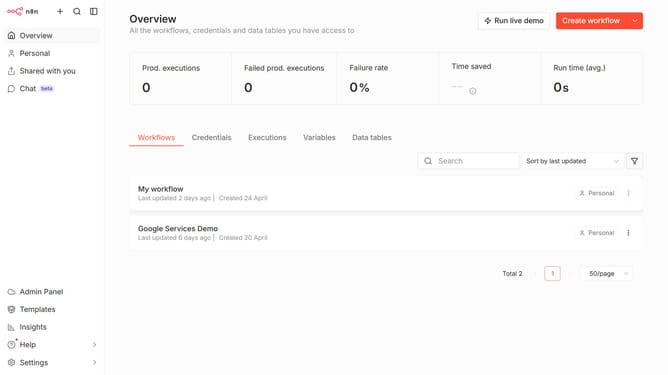
- First click on the "Create workflow" button dropdown
- Then click on "Create credential" button
- Click on the "Search for app..." input field and enter "mautic".
- Then select "Mautic OAuth2 API" from the dropdown
- Click on the "Continue" button.
- Then click on the "Client ID" input field
- Finally click on the "Connect to Mautic" button
Why should you create Mautic OAuth2 API credential in n8n
n8n is a powerful workflow automation tool designed to connect different apps and services effortlessly.
Creating Mautic OAuth2 API credentials within n8n enhances your ability to automate marketing workflows by securely linking n8n with Mautic.
This integration allows for seamless handling of data and streamlining of processes, ensuring your marketing efforts are both effective and efficient.
Using these credentials with n8n promotes enhanced productivity and data-driven decision-making, ultimately optimizing your marketing automation strategies.
Last update