How to create Zscaler ZIA API credential in n8n
Here is how to create zscaler zia api credential in n8n
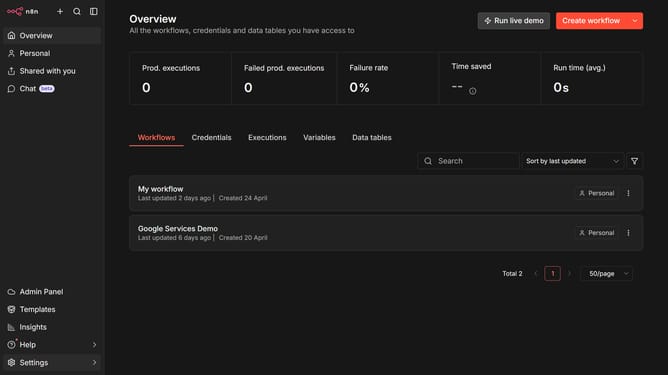
- First click on the dropdown arrow next to "Create workflow" button.
- Then click on "Create credential" option.
- Next click the search bar and enter "Zscaler".
- After that click on "Zscaler ZIA API".
- Then click on the "Continue" button.
- Next fill in the required credential details.
- Finally click on the "Save" button.
Why should you create Zscaler ZIA API credential in n8n
n8n is a versatile automation tool that empowers users to connect various apps and services with ease, optimizing workflows efficiently.
Creating a Zscaler ZIA API credential in n8n amplifies your ability to streamline and automate secure web access and controls. This feature is pivotal for enterprises aiming to bolster their cybersecurity measures while enhancing operational efficiency.
By integrating Zscaler's API credentials into n8n, businesses can effortlessly automate the management of their security policies, ensuring robust protection without manual oversight. This not only saves time but also significantly reduces the risk of human error.
Last update